
You set up your Google listing, added a few photos, and then the Updates section sat empty for months, because nobody had time to think of something to post. That gap is common, and it is easy to fix. These Google Business Profile post ideas follow the same weekly rhythm a digital marketing company in India would set up for a local business: one post a week, four post types in rotation, a real photo and the right button. Below you will find what to post each week, how to add a post in about two minutes, the mistakes that get posts rejected and how to see which posts work.
Quick answer: Post once a week and rotate four types: a service spotlight, an offer with an end date, a real customer story and a useful tip or FAQ. Put one review keyword and your area in the first line, add a real photo and a Call now or Book button. Two minutes a week is enough.
Key takeaways
- According to Google, customers are 70% more likely to visit a business with a complete Business Profile.
- The #1 “salon in karol bagh” listing published 10 posts between 19 August and 15 September 2026.
- Rotate four weekly post types: service spotlight, offer, customer story, and tip or FAQ.
- Only the first 100 to 150 characters show at first, so put your keyword and area there.
- Never put a phone number in the post text; add a Call now button instead.
Contents
Why are Google posts worth two minutes a week?
According to Google, customers are 70% more likely to visit a business with a complete Business Profile, and 50% more likely to consider buying from it. Posts, shown as “Updates”, are the part of the profile most local businesses leave empty, so a weekly post is one of the easiest ways to look more active than competitors.
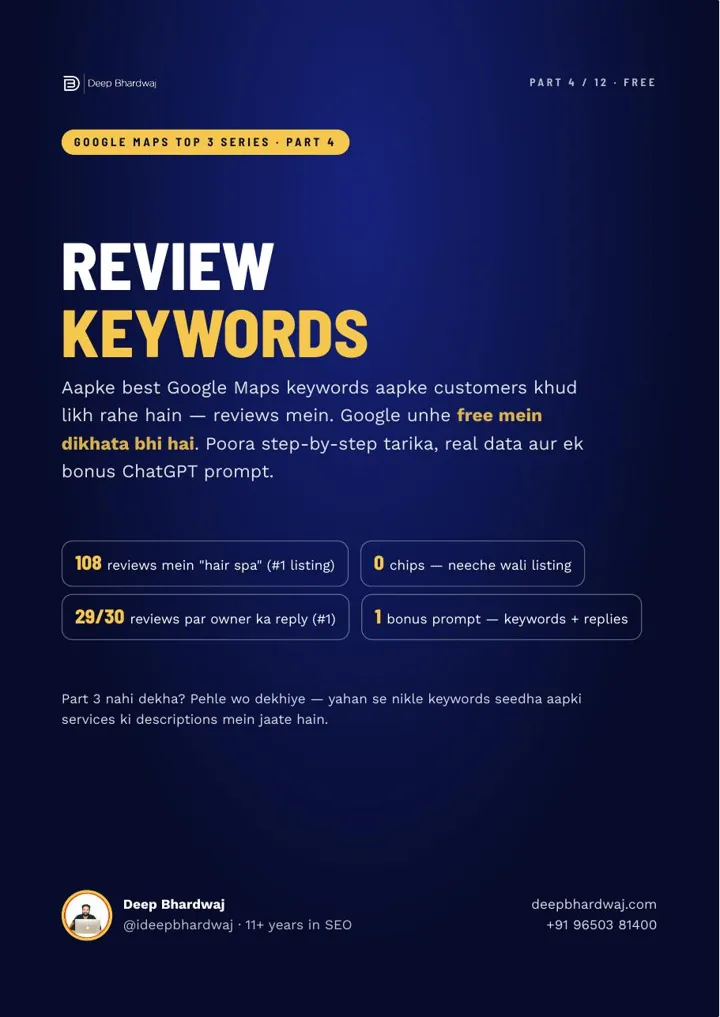
This is Part 5 of our “Google Maps Top 3” series. In Part 4 you collected the keywords customers already write in your Google reviews. Those words now go into the first line of your posts.
What does “active” look like? The #1 listing for “salon in karol bagh” published 10 posts between 19 August and 15 September 2026, each with a Call now button under it.
An honest note: Google has never confirmed that posts directly improve ranking. Their job is to make your listing look alive on Search and Maps, where many people decide without clicking, the idea behind the zero-click search playbook that still drives traffic.
What should I know about Google posts before I start?
Google posts appear in the Updates section of your profile on Google Search and Google Maps. There are three types, Update, Offer and Event, and each can carry one button. Only the first 100 to 150 characters show before the text is cut off, so the opening line does most of the work.
Google’s help page on creating and managing Business Profile posts covers the post types and how to edit or delete a post. Here is how the three types compare:
| Post type | Use it for | How long it shows | Good button |
|---|---|---|---|
| Update | Your regular weekly post: a service, a story or a tip | Archived after about six months | Call now or Learn more |
| Offer | A real deal with a clear end date | Until the end date | View offer or Call now |
| Event | A workshop, open day or launch | Until the event ends | Book or Learn more |
How do I add a Google post in two minutes?
Search your business name on Google while signed in to the account that owns or manages the profile, click Add update, pick the post type, add a real photo, write two or three lines that start with a keyword and your area, add a button and publish. It takes about two minutes once you have the words ready.
- Search your business name on Google, signed in as the owner or manager. Your profile panel opens.
- Click Add update and choose Update, Offer or Event.
- Add a real photo of your work, team or place. Stock photos don’t build trust.
- Write the text: one review keyword and your area in the first line, then two or three lines on what the customer gets.
- Add a button, usually Call now for a local business, and publish.
Set a two-minute reminder for every Monday, and write the month’s four posts in one sitting. Then Monday is just copy, photo, post.
What should I post each week?
The simplest plan that works is one post a week, rotating four types: a service spotlight, an offer, a customer story and a tip or FAQ. Each type does a different job, so your profile never repeats the same message, and after four weeks you start again with fresh material.
- Week 1 · Service spotlight. Your top service in your customers’ own words, with an invitation to book, such as “Hair spa in Karol Bagh”.
- Week 2 · Offer. Use the Offer type with a real discount and an end date. The deadline gives people a reason to act now.
- Week 3 · Customer story. One real result or review in the customer’s words, with permission for any photo.
- Week 4 · Tip or FAQ. Answer a question customers often ask, to show you know your work.
The free guide shows a worked example for each week. If you use Learn more, the click lands on your website, and a slow, confusing page wastes it. That is where a website designed to turn visits into enquiries earns its keep.
Can ChatGPT or Gemini write the posts for me?
Yes, as a first draft. The guide’s bonus ChatGPT prompt writes all four posts for the month at once from your business type, area, services, review keywords and any offer with its end date. You still check every line, add your real photo and remove anything that isn’t true before you post.
Each post gets a first line under 100 characters, 60 to 100 words of text, a photo idea and a button. AI is good at drafts and weak at knowing your business, the line we draw in explaining which SEO jobs ChatGPT can handle and which it can’t.
Worried AI-written posts will be penalised? Google’s guidance on creating helpful, people-first content is a good test for every post, and we cover the wider question in whether Google penalises ChatGPT-written content.
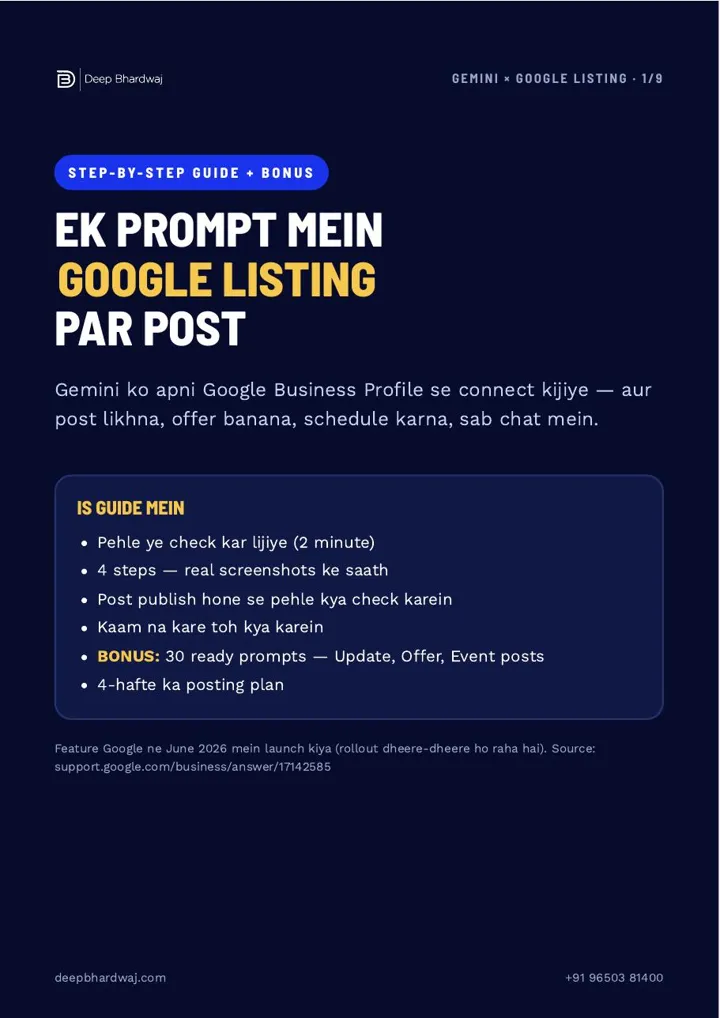
Prefer Google’s own tools? If the Gemini connection is available on your account, our step-by-step guide shows how to draft and schedule Google posts with Gemini.
Which mistakes get Google posts rejected or ignored?
Most rejected or ignored posts break one of a few simple rules. A phone number in the text, the same post copied again, stuffed keywords, false claims, stock photos and a burst of posting that stops after two weeks all make a listing look careless, or get the post removed.
- A phone number in the text. Google may reject it. Use the Call now button.
- The same post again and again. Every post should say something new.
- Keyword stuffing. One keyword in the first line is enough.
- False claims such as “best in the city” or “guaranteed results”.
- Stopping after two weeks. A listing that went silent months ago looks closed.
“Har hafte sirf 2 minute. Consistency hi listing ko zinda rakhti hai.” Two minutes a week is all it takes. Consistency is what keeps a listing alive.
— Deep Bhardwaj
How do I know which posts are working?
Open your profile and go to Performance. Note the calls, website clicks and direction requests each month, then compare them with the posts you published. The post type that brought the best response is the one to repeat more often next month.
If your posts send people to your website, pair this with a 20-minute Search Console check you can run every month to see what they do there. And when an offer needs guaranteed reach before its deadline, a small campaign from a Google Ads management team can carry it further than a free post.
Where should I start this week?
Pick one service, write one post, add a real photo and a Call now button. These Google Business Profile post ideas only work if you keep going, so set the Monday reminder and run the 4-week plan at least three times before you judge it. Results differ for every business.
Would you rather hand it over? Compare our monthly SEO packages, or ask for a free SEO and listing check and we will tell you what is missing.
Services that help with this
- Digital marketing services: SEO, Google Business Profile and ads planned together, so your posts support the rest of your marketing.
- Local SEO services: Google Business Profile upkeep, from categories and services to reviews and weekly posts.
- Google Ads management: Paid campaigns that give time-bound offers more reach than a free post alone.
TL;DR
- Post once a week; a steady listing looks more active than one that posted in bursts.
- Rotate a service spotlight, an offer, a customer story and a tip or FAQ.
- Lead with a review keyword and your area, add a real photo and a Call now button.
- Check Performance monthly and repeat the post type that brings the most calls and clicks.
Frequently asked questions
Is there a best day or time to publish a Google post?
Google doesn’t publish a best time for Business Profile posts. What matters more is a steady rhythm your team can keep, such as every Monday morning. If you want to test, post on different days for a month and compare calls and clicks in Performance. For offers and events, publish a few days before the start so people have time to plan.
Are Google Business Profile posts free?
Yes. Google Business Profile posts are free to create and publish, with no fee per post. You only pay if you choose to promote something through Google Ads, which is a separate product. That is why posts are such good value for a local business: the only cost is a few minutes of your time each week.
Can someone else post on my profile for me?
Yes. Add them as a manager in your Business Profile settings instead of sharing your Google password. Managers can create and edit posts, while you stay the owner and can remove their access at any time. This is the safest way to let a staff member or agency handle your weekly posts while keeping control of the listing.
Can I edit or delete a Google post after publishing?
Yes. Open your profile, go to your posts and choose edit or delete on the one you want to change. Editing is useful if a price, date or detail was wrong. If an offer ends early, update or delete the post so customers don’t arrive expecting a deal that no longer exists, which can lead to unhappy reviews.
What should a service-area business with no shop post?
The same four-week plan works. Use photos of jobs you completed at customers’ sites, with their permission, and name the areas you serve in the first line. Customer stories and tips are especially useful when people can’t visit you, because they show your work and expertise before the first call. Keep the Call now button on most posts.