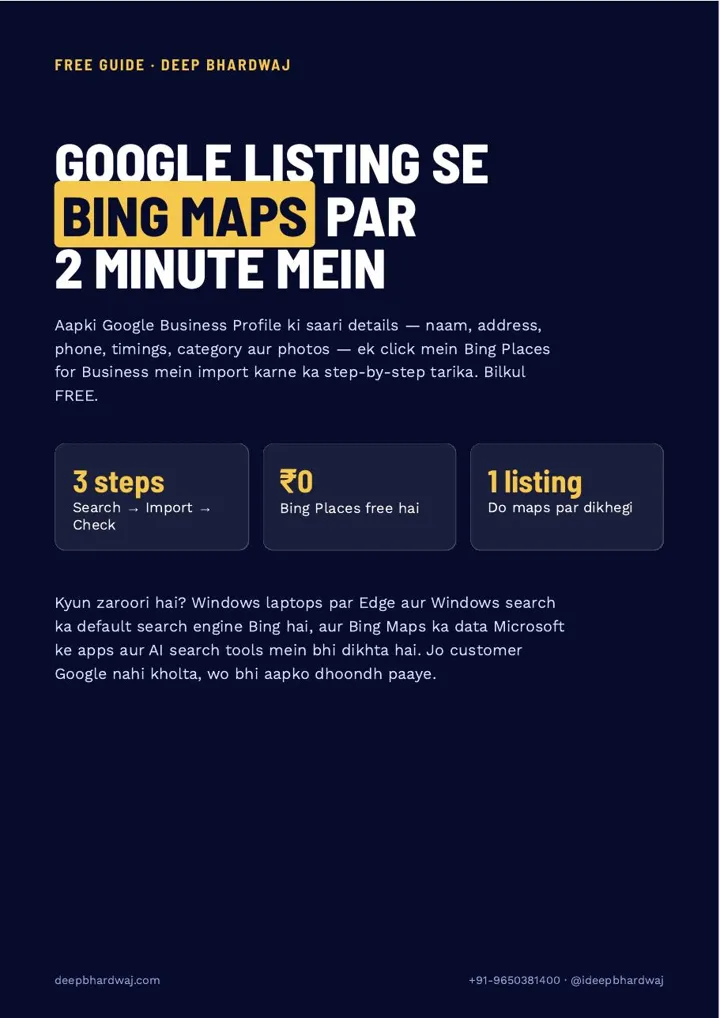

Your Google listing is complete, with reviews, photos and the right timings. But a customer on a Windows laptop searches for your service and your business is nowhere on the map he sees. That happens when you only build on Google and leave Bing Maps empty. The good news is that you can add your business to Bing Maps in about two minutes by importing the details you already have on Google, a step that belongs in any local SEO services that cover every map. This page walks through the three steps from the guide: open Bing Places, import from Google Business Profile, then check and go live, plus a five-minute checklist for after the listing appears.
Quick answer: Open bingplaces.com and sign in with the Gmail that owns your Google Business Profile. Choose “Import from Google Business Profile”, allow access, select your listing and press Import. Bing copies your name, address, phone, timings, category, website and photos. Check the details in the dashboard; the listing usually goes live on Bing Maps within a few days.
Key takeaways
- Windows laptops use Bing by default in Edge and Windows search, so a Google-only listing misses those customers.
- Bing Places for Business is free and can import your Google Business Profile in about two minutes.
- Sign in with the same Gmail that owns or manages your Google listing, or the import option shows nothing.
- Verified Google listings often verify on Bing directly; otherwise use phone, email or postcard.
- Keep name, address, phone, hours and category identical on Google, Bing and your website.
Contents
Why should a local business be on Bing Maps at all?
Because not every customer opens Google. On Windows laptops, Edge and Windows search use Bing as the default search engine, and Bing Maps data also shows up in Microsoft’s apps and AI search tools. A listing there lets the customer who never opens Google still find your name, phone number and timings.
Think of two shops in the same area with the same rating. One is on Google and Bing, the other only on Google. The laptop user searching on Bing can only call one of them. Being present on more than one map also supports the bigger picture of building a brand that AI models recommend by name, because AI assistants pull business facts from more than one source.
What is Bing Places for Business?
Bing Places for Business is Microsoft’s tool for creating and managing the listing that appears on Bing search and Bing Maps. It does for Bing what Google Business Profile does for Google: one dashboard for your name, address, phone, hours, category, website and photos. Listing your business there costs nothing.
Microsoft’s own announcement of the new Bing Places for Business describes it as a free online platform for listings that appear in Bing search results and Bing Maps, and says the import from Google has been improved. You can sign in with a Microsoft, Google or Facebook account.
How do you import your Google listing into Bing Maps?
Search “Bing Places for Business” or open bingplaces.com, sign in, choose “Import from Google Business Profile”, allow Bing to read your listing, then select the listing and press Import. Bing copies your details across, and you check them in the dashboard before the listing goes live.
- Open Bing Places. Go to bingplaces.com and press Get started or Sign in. Use the same Gmail that owns or manages your Google Business Profile; that one choice makes the next step a single click.
- Import from Google Business Profile. Under “Add your business”, choose the import option instead of typing details by hand. A Google sign-in window opens: pick the same Gmail and give Bing permission to read the listing.
- Select, import and check. Tick the listing (or listings) you want on Bing and press Import. In the dashboard, compare the phone number, timings and category with your Google listing. The listing usually goes live on Bing Maps within a few days.
Your Google listing is not touched by any of this. Google stays exactly as it is; Bing simply creates its own copy.
Should you import from Google or add the listing manually?
Import whenever you can. It is faster, it copies seven fields without typing errors, and verified Google listings often verify on Bing directly. Add the listing manually only when the import option does not appear, for example when you are signed in with a Gmail that has no access to the Google listing.
| Point | Import from Google Business Profile | Add manually |
|---|---|---|
| Time | About two minutes | Longer: every field typed by hand |
| Details filled | Name, address, phone, timings, category, website and photos | Only what you type |
| Risk of mismatch | Low: the same details as Google | Higher: one wrong digit in the phone number |
| Verification | Verified Google listings often verify directly | Phone, email or postcard |
| When to use | Whenever you can sign in with the Google listing’s owner or manager Gmail | When the import option does not appear |
That “same details everywhere” rule is the same one behind whether Justdial, IndiaMART and Sulekha listings still help SEO: consistency across platforms is what makes each listing trustworthy.
Do you need to verify your listing on Bing?
Often not. Listings that are already verified on Google usually verify on Bing straight after the import. If Bing does ask for verification, it offers a phone, email or postcard option; pick one and follow the steps. Until verification is done, keep the dashboard details matching your Google listing.
BrightLocal’s walkthrough on adding or claiming a Bing Places listing notes that importing from Google can bypass Bing’s verification stage, provided your Google listings are verified. If your Google listing is not verified yet, sort that out first; it makes both platforms easier to manage.
What should you check once the listing is live?
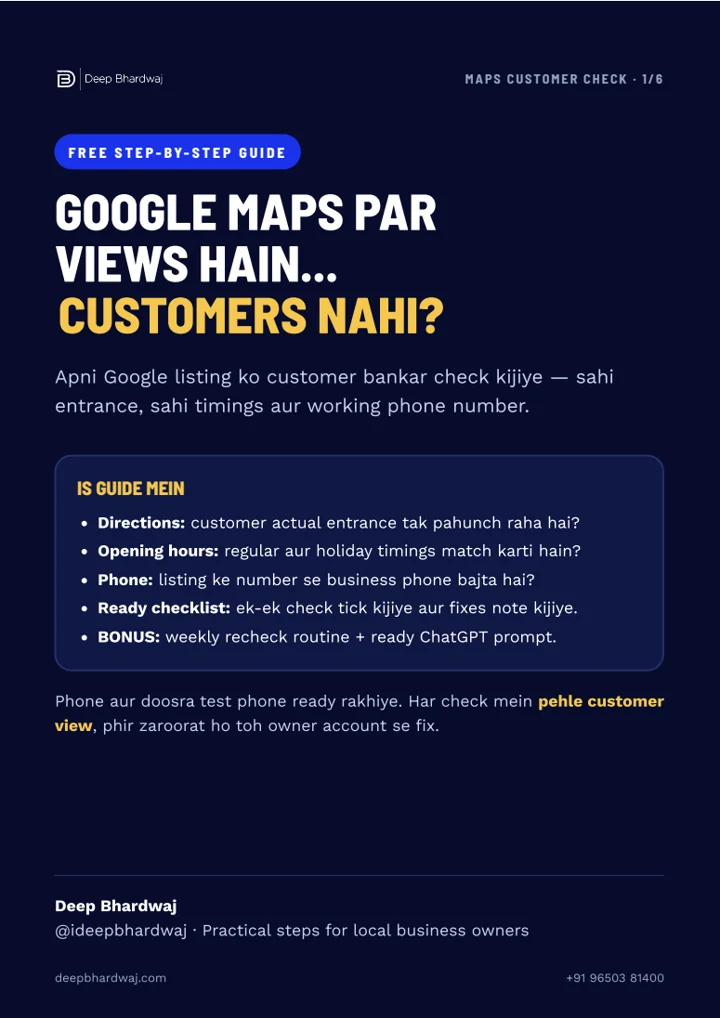
Search your business name and city on Bing Maps and confirm the listing shows. Then spend five minutes on the details below. Most problems on a new Bing listing are small mismatches with Google, and they are quicker to fix now than after customers start calling the wrong number.
- Name, address and phone (NAP) are exactly the same on Google, Bing and your website.
- Special hours for festivals and holidays are updated on both maps.
- The primary category is the same one you use on Google.
- Three to five good photos: the outside board, the inside, the team and the work.
- Your website link and a booking or WhatsApp link are added.
- Any big change on Google is copied into Bing Places the same day.
Your website is the third leg here. If it shows an old phone number, both maps lose trust, so it is worth having a website that carries the same details as your listings. For edits that strangers can push onto a listing, our guide on keeping control of suggested edits on Google covers the same discipline.
Which mistakes stop the import from working?
The most common one is signing in with the wrong Gmail. If that account is not the owner or manager of your Google Business Profile, the import option shows nothing to import. The second is skipping the import and typing everything by hand, which is where wrong phone numbers and spellings creep in.
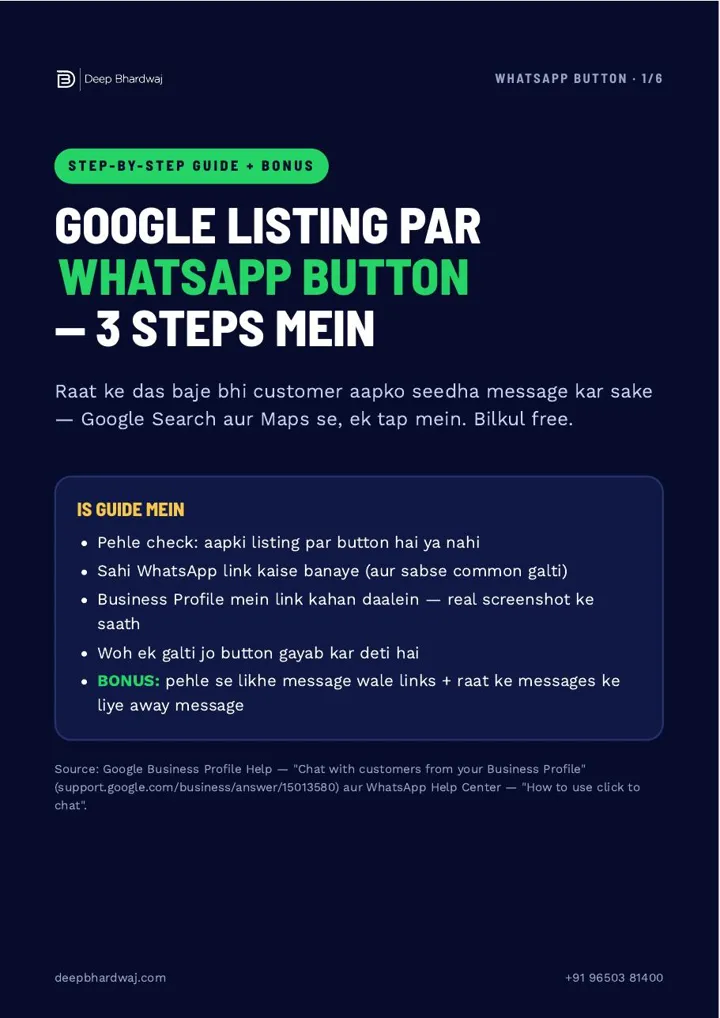
Sabse badi galti: listing sirf Google par banana aur Bing Maps khaali chhod dena. (The biggest mistake is building your listing only on Google and leaving Bing Maps empty.)
— Deep Bhardwaj
The third mistake is forgetting Bing after the first day. Owners update timings on Google for Diwali and never touch Bing, so the two maps start disagreeing. Put both on the same monthly routine. Google still drives most local calls, so the Google Business Profile ranking factors that decide map visibility stay your first priority; Bing is the extra reach that costs two minutes.
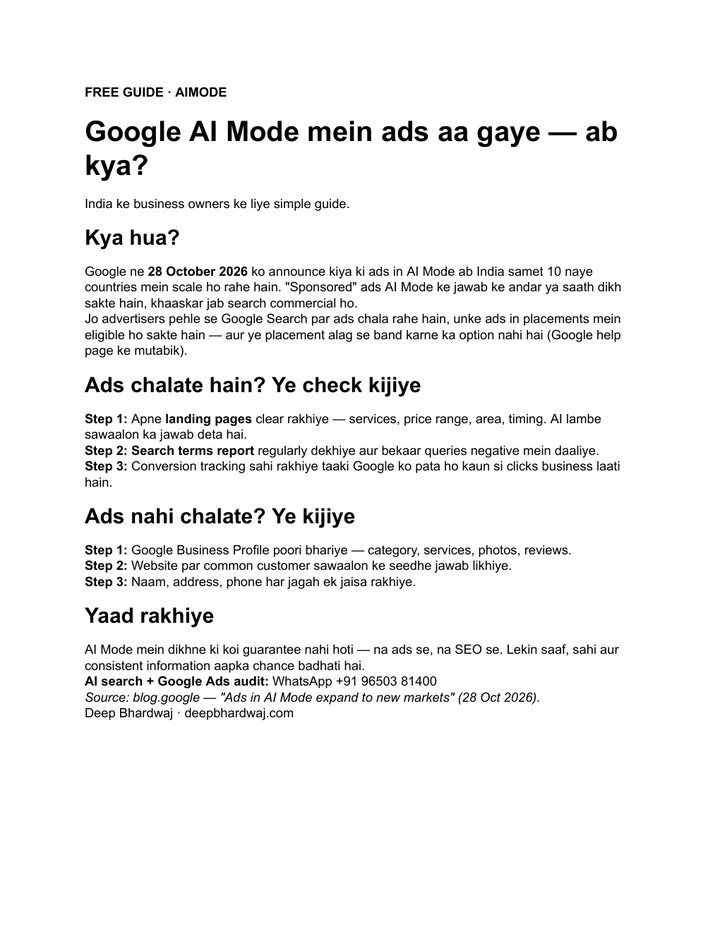
Search is also changing shape. Answers now come from AI tools and map packs as much as from the classic ten links, which is why small businesses can still win the map pack after AI Overviews by being accurate everywhere. If you want that wider view handled, our AI search visibility work covers listings, website and AI answers together, and you can see what our client work has delivered before you decide.
Is it worth two minutes to add your business to Bing Maps?
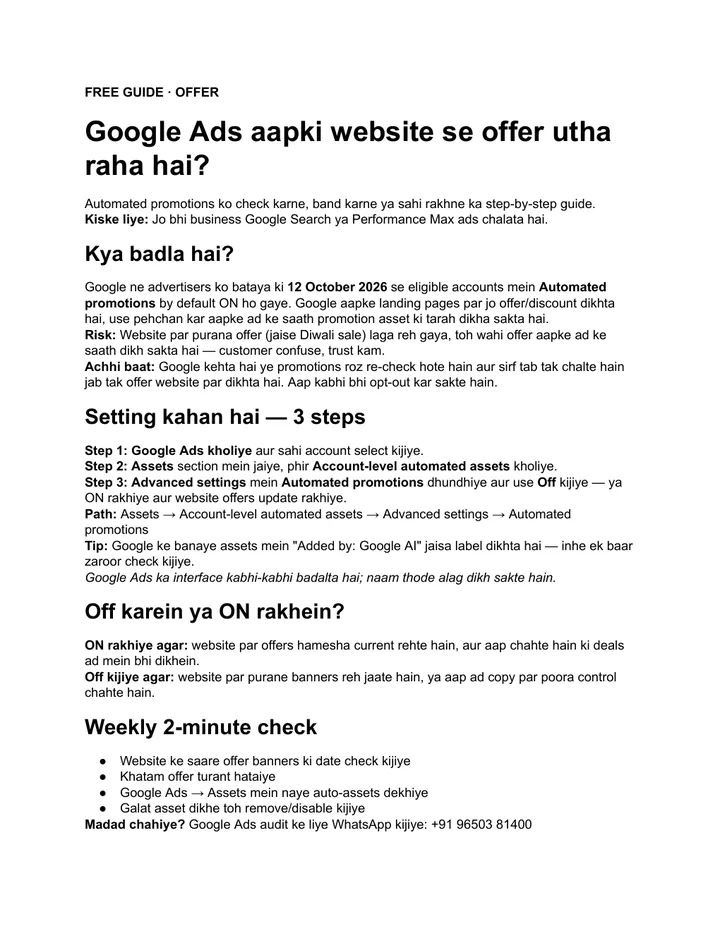
Yes. It is free, it does not change your Google listing, and it puts you in front of customers who search on Bing, Windows and Microsoft’s AI tools. Add your business to Bing Maps by importing from Google, check the details once, and keep both listings in step. Not sure your listings match? Ask for a free audit of your Google and Bing listings and we will check them for you.
Services that help with this
- Local SEO: Google, Bing and directory listings managed so every map shows the same correct details.
- AI SEO: Make sure AI assistants and search tools find accurate facts about your business.
- Website design: A website that matches your listings and turns map visitors into enquiries.
TL;DR
- Customers on Windows laptops search with Bing, so a Google-only listing misses them.
- Bing Places for Business is free and imports your Google Business Profile in about two minutes.
- Use the Gmail that owns your Google listing, select it, import and check the details.
- After it goes live, keep NAP, hours and category the same on Google, Bing and your website.
Frequently asked questions
Is Bing Places for Business free?
Yes. Creating and managing a listing on Bing Places for Business costs nothing, and Microsoft describes it as a free online platform. There is no paid plan you need to buy for your listing to appear on Bing search and Bing Maps. Be careful of anyone who asks for money just to create a basic Bing listing, because you can do it yourself in a couple of minutes.
Will importing to Bing change or affect my Google listing?
No. The import only reads your Google Business Profile and creates a separate copy on Bing. Your Google listing, reviews, photos and ranking stay exactly as they were. From then on the two listings are managed separately, so when you change timings or your phone number on Google, remember to make the same change in Bing Places as well.
Why is the Import from Google option not showing anything?
Usually because you are signed in with a Gmail that is not the owner or manager of your Google Business Profile. Sign out and sign in again with the account that controls the listing. If you cannot access that account, you can still choose to add the business manually and type the details, keeping them exactly the same as on Google.
How long does a new listing take to appear on Bing Maps?
After you import and check the details, the listing usually goes live on Bing Maps within a few days. If Bing asks you to verify by phone, email or postcard, the listing appears once that step is done. Search your business name with your city on Bing Maps to confirm it is showing correctly with the right phone number.
Do I still need Google Business Profile if I am on Bing Maps?
Yes. Google still brings most local calls and direction requests in India, so your Google Business Profile stays the main listing to optimise. Bing Maps is extra reach for customers who search on Windows laptops, Edge and Microsoft tools. Treat Bing as a copy that you keep in step with Google, not as a replacement for it.