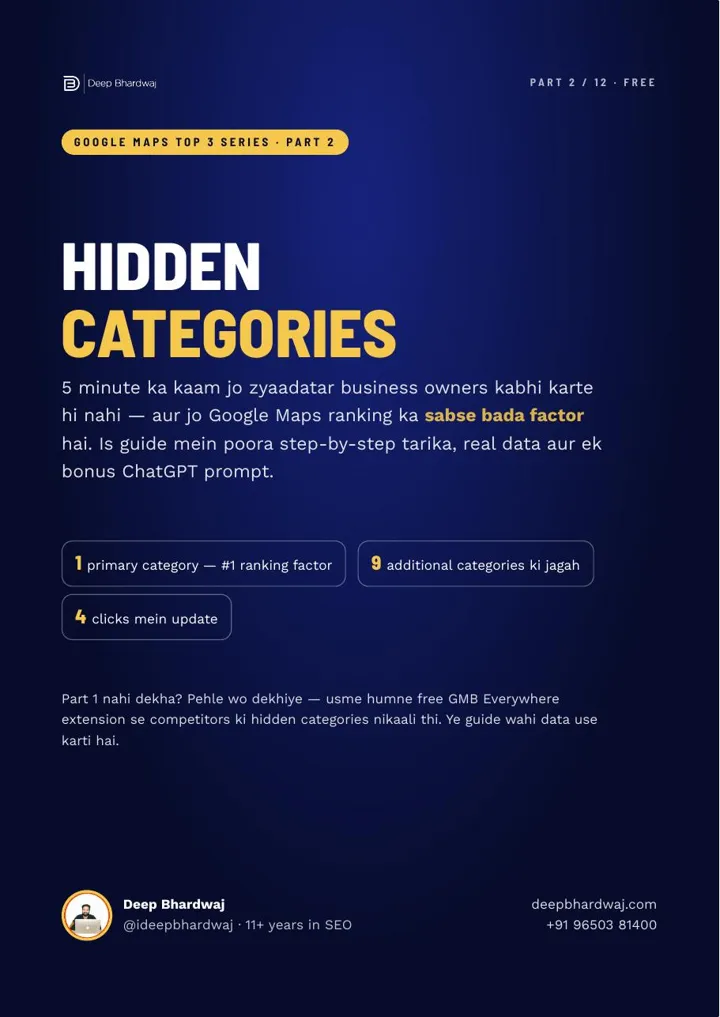

You have good reviews and a complete profile, yet Google Maps keeps showing your competitors for the searches that matter. Very often the reason is a wrong or vague category, set once during sign-up and never touched again in all the years since. Fixing your Google Business Profile categories is a five-minute job, and it is the first thing we check in all our SEO packages when a listing is stuck. In Part 2 of our “Google Maps Top 3” series, you’ll pick your primary category and up to nine additional ones using real competitor data from the top listings in your area, not guesswork.
Quick answer: Every Google Business Profile gets one primary category and up to nine additional ones. Choose the most specific primary category that matches your main work and that the Top 3 listings use, then add only the additional categories for services you really offer. Four to six accurate categories beat ten loose ones.
Key takeaways
- Every profile gets one primary category and up to nine additional categories, ten in total.
- The Whitespark survey of local search experts ranks the primary category as the #1 local ranking factor.
- In Karol Bagh, the #1 salon uses 6 categories while the salons ranked 17–20 use just 1 each.
- The #8 salon uses all 10 and still misses the Top 3, so accuracy beats quantity.
- Updating takes four clicks: Edit profile, Business category, choose, Save.
Contents
Why do categories decide which searches I show up in?
Google shows your business only for searches it believes you are relevant for, and categories are the clearest way to tell Google what you are. Get them wrong and you can have great reviews yet stay invisible. Google lists relevance as one of its three main local ranking factors, alongside distance and prominence.
In the Whitespark Local Search Ranking Factors survey of local SEO experts, the primary category comes out as the #1 ranking factor, and additional categories also make the top 10. Categories also decide which services you can add to your profile later.
This guide uses the competitor data from Part 1’s 15-minute ranking audit, where the free GMB Everywhere extension shows the hidden categories of every listing.
What do 20 salons in Karol Bagh tell us about categories?
More categories alone don’t win. We ran a Local Scan for “salon in karol bagh” and counted categories across the top 20 listings. The #1 salon uses six, the salons at ranks 17 to 20 use just one each, and the salon at #8 uses all ten yet still misses the Top 3.
| Listing | Categories used | What it shows |
|---|---|---|
| #1 salon | 6 | The right mix, not the most |
| #8 salon | 10 (every slot) | Filling every slot doesn’t guarantee the Top 3 |
| Salons ranked 17–20 | 1 each | Too few to match related searches |
| Top 20 overall | 15 of 20 use Beauty Parlour as primary | The leaders agree on one primary |
Categories are one part of the picture. Reviews, distance from the searcher and more still matter, which we unpack in our 2026 guide to Google Business Profile ranking factors.
How do I choose the right primary category?
Pick the category that matches your main work and that the Top 3 already use, and make it as specific as possible. You get only one primary category and it carries the most weight, so choose it with data from the top listings rather than by feel. Then leave it alone.
- Search your keyword with your area on Google Maps. With GMB Everywhere installed, the primary category is the one marked with a ⭐.
- Open ⚡ Local Scan and check the “Primary Categories” box, which shows what the top businesses use, with percentages.
- Go specific. Google advises a specific category over a general one, such as “Nail salon” rather than “Salon” if nails are your main work.
In Karol Bagh, 15 of the 20 businesses (75%) use Beauty Parlour as their primary. If your main work is the same, keep it. If you run only a barber shop, don’t copy a competitor’s primary; Google’s guidelines on representing your business ask for categories that describe your core business.
The same rule applies to clinics and hospitals, where patients search for very specific specialities. Our page on SEO for healthcare providers explains how we handle medical listings.
Which additional categories should I add?
Add only categories that match work you actually do. List the categories the top three use, plus Local Scan’s “All Categories” list, and keep the ones that fit your real services. You can add up to nine, but you don’t have to fill them all; four to six correct ones beat ten wrong ones.
Wrong categories bring the wrong customers, and categories for work you don’t do can get a profile suspended. Picture a made-up Karol Bagh salon that does hair, makeup and nails but has one category. Its plan keeps Beauty Parlour as primary, adds Make-up artist, Nail salon and Hairdresser, and skips Barber shop because it offers no men’s grooming.
How do I change my category on Google?
It takes four clicks from the Google account that manages your profile. Search your business name on Google, open Edit profile, edit Business category, choose from Google’s list and save. You can’t invent a new category; you can only pick from the options Google already offers.
- Sign in and search your business name on Google; your Business Profile appears.
- Click Edit profile, then Edit next to Business category.
- Type in the Primary category box and pick from the list, then use Add another category for the rest.
- Click Save.
Google may sometimes ask you to verify your business again after a category change. That is one more reason to keep only accurate categories and to stop switching your primary.
Can ChatGPT help me plan my categories?
Yes, as a sorting tool. Give it your business type, the services you really offer, your current categories, your target keyword and area, and the top three’s categories with the Local Scan lists. Ask for a recommended primary with a reason, matching additional categories, the ones to skip, and services for each.
Two rules keep it honest: it must choose only from the categories you gave it, and it must never suggest one for work you don’t do. Always type each suggestion into your profile to confirm it exists in Google’s list. The ready-to-paste prompt is in the free guide.
“4–6 sahi categories, 10 galat categories se behtar hain.” (Four to six right categories beat ten wrong ones.)
— Deep Bhardwaj
What should I do after updating my categories?
Add services for each category, because categories unlock the service options in your profile. Then measure: run the same keyword-plus-area search after two to three weeks and compare with where you started. Re-check your categories every six months, since Google keeps adding new, more specific options.
Part 3 covers the Services section most profiles leave empty. On your website, describe the same business type in your structured data; our guide to the schema markup types every site needs for AI search shows how.
Prefer to hand this over? Our Google Maps optimisation work treats categories, services and reviews as one monthly routine, and you can check how much SEO costs in India before you decide.
Which category mistakes should I avoid?
The worst ones are a vague primary such as “Store” when a specific one exists, filling all nine additional slots just because you can, and copying a competitor’s categories for services you don’t offer. Each sends Google mixed signals and can bring the wrong customers to your listing.
- Changing your primary category again and again.
- Trusting a ChatGPT suggestion without checking it in Google’s list.
How soon will the right categories show results?
Results vary with your business, city and competition, so give it two to three weeks before judging. Getting your Google Business Profile categories right is a small job with a big effect, because it decides which searches you are even considered for. Do it carefully once, then check twice a year.
Accurate categories also matter as search shifts toward AI answers, a change we cover in how small businesses can still win the map pack after AI Overviews. Want a second pair of eyes? Request a free audit of your profile and website.
Services that help with this
- Local SEO services: We audit your categories against the Top 3 and keep them accurate as Google adds new ones.
- SEO packages: Monthly plans that keep your categories, services and reviews in step with the Top 3.
- Free SEO audit: Send your profile link and we’ll tell you which categories are missing.
TL;DR
- Categories tell Google which searches you are relevant for.
- Choose one specific primary category that matches your main work and the Top 3.
- Add only additional categories for work you really do; four to six is usually plenty.
- Update in four clicks, then add services and re-check every six months.
Frequently asked questions
Can I have two primary categories if I run two kinds of business?
No. Every profile has exactly one primary category, so choose the one for the work that brings most of your customers and use additional categories for the rest. If you genuinely run two separate businesses, read Google’s guidelines on when each can have its own profile before creating a second listing, because duplicate profiles for one business can be removed.
What if my exact business type isn’t in Google’s category list?
Choose the closest specific category that describes your main work, then fill the gap with detail elsewhere. Your services, business description, posts and website can all explain exactly what you do. Check the list again every few months, because Google adds new categories over time and a better match may appear for your type of business.
Will changing my category affect my existing reviews?
No. Your reviews, photos and rating stay with your profile when you change a category. What can change is which searches you appear in, so a sudden switch of primary category may move your ranking up or down for a while. Google may also ask you to verify the business again, so make the change only when the new category is accurate.
Should my website use the same words as my primary category?
Yes, as far as it reads naturally. If your primary category is “Dental clinic”, your homepage title, main heading and contact page should make that clear too. When your website and your Google Business Profile categories tell the same story, Google has more confidence about what you do and where you do it, which supports both your Maps and website rankings.
What is the difference between a category and a service on Google?
A category describes what type of business you are, such as “Beauty parlour” or “Jewellery store”, and it affects which searches you can appear in. Services describe the individual things you sell or do, such as a bridal makeup package or a ring resizing service. Categories come first, because the categories you choose decide which service options Google offers you.