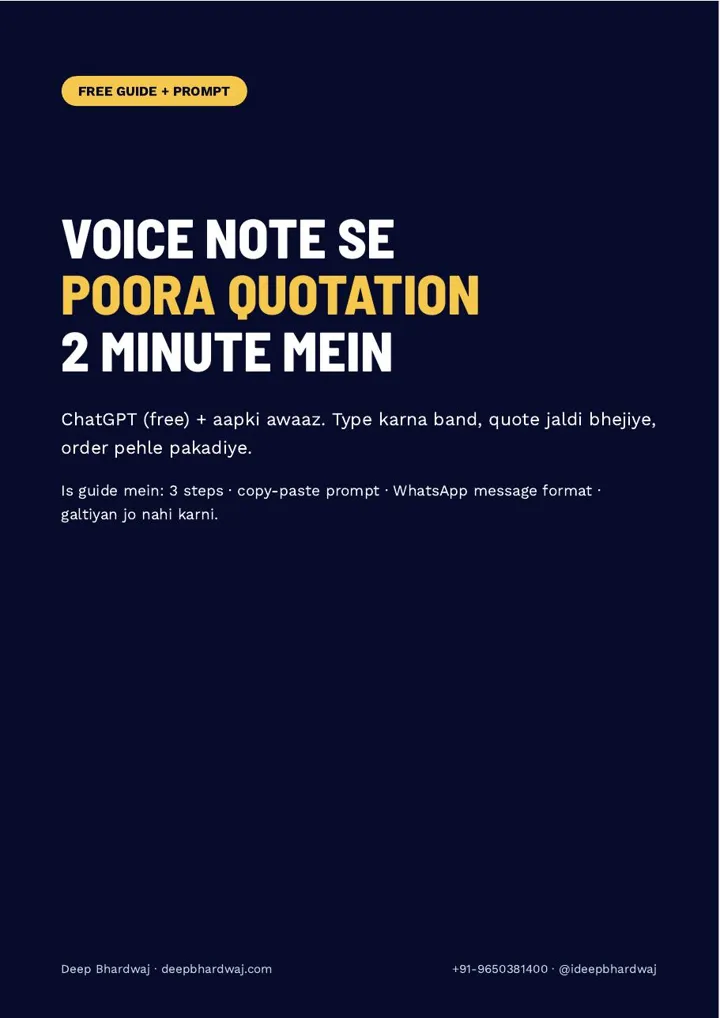

An enquiry comes in on WhatsApp at 11 am. You are busy on the shop floor, so you plan to type the quote in the evening. By then the customer has two other quotes and has already called one of them. You can make a quotation with ChatGPT in about two minutes instead: speak the details as a voice note, paste one fixed prompt and send the result on WhatsApp. Fast replies matter as much as the digital marketing that brings the enquiry in. This guide gives you the six details to speak, the exact prompt, the WhatsApp message, and the mistakes that cost orders.
Quick answer: Open the ChatGPT app, tap the mic and speak the customer name, items, quantity, rate, delivery charge, delivery time and payment terms. Then paste a fixed prompt asking for an Item, Qty, Rate, Amount table with subtotal, GST on a separate line, total and three lines of terms. Check the total with a calculator, then send it on WhatsApp.
Key takeaways
- Speak six details into ChatGPT: customer, item and quantity, rate, delivery charge, delivery time and city, payment terms.
- One saved prompt turns that voice note into an Item | Qty | Rate | Amount table with GST and a total.
- Change the GST rate to match your product (5, 12, 18 or 28%) before you send.
- Always check the total with a calculator, because AI can make maths mistakes.
- Send the quote the same day on WhatsApp and follow up after 1, 3 and 7 days.
Contents
Why does a slow quotation lose you the order?
Because the customer does not wait. Someone who asks you for a rate is usually asking two or three other suppliers at the same time. Whoever sends a clear quotation first sets the price everyone else is compared with, and often gets the order. A quote typed the next day often arrives after the decision is made.
Most business owners know this but still delay, because typing a neat quote with a table, GST and terms on a phone is slow. That is the part ChatGPT can take off your hands. You still decide the rates; ChatGPT only does the formatting and the arithmetic, which you then check.
Speed also matters if you pay for enquiries. If you run Google Ads campaigns that generate quote requests, every hour between enquiry and quote is money spent on a lead that may go cold.
What should you say in the voice note?
Say six things, in any order, in your normal language: the customer’s name or company, each item with its quantity, the rate per item, any delivery or installation charge, the delivery time and city, and your payment terms such as how much advance you need. That is enough for a complete quotation.
Open the ChatGPT app and tap the mic at the bottom of the chat. A typical note sounds like: “Sharma Traders, 10 office chairs at 4,500 each, delivery 800, delivered in Faridabad in 5 days, 50% advance.” If you already use ChatGPT’s voice mode for other work, this guide on how people now search and speak to ChatGPT voice explains why spoken requests have become so common.
What is the ChatGPT prompt for a quotation?
The prompt tells ChatGPT to act as your quotation assistant and turn what you just said into a clean table: Item, Qty, Rate, Amount. Below it come the subtotal, GST on a separate line, the total, three lines of terms covering advance, delivery time and a 7-day validity, and a short message ready for WhatsApp.
The guide gives you the full copy-paste prompt. Two lines in it do most of the work. One asks ChatGPT to check every calculation step by step. The other asks for simple English with Indian rupee formatting, such as ₹1,23,456, so the customer reads the amount the way they expect.
Jaldi quote matlab pehla order. Rate aap tay kijiye, typing ChatGPT ko karne dijiye.
— Deep Bhardwaj
Is this a good use of AI? For drafting and formatting, yes. This piece on what ChatGPT handles well and where it still needs a person makes the same point for marketing work: let it draft, and keep the final check with you.
How do you make a quotation with ChatGPT in 3 steps?
Speak, paste, send. First record the six details as a voice note in ChatGPT. Then paste the saved prompt so the table, GST, total and terms are built. Finally, check the total, copy the table into the customer’s WhatsApp chat and add a short covering line. The whole loop takes about two minutes.
- Open the ChatGPT app, tap the mic and speak the customer, items, quantity, rate, delivery charge, delivery time, city and payment terms.
- Paste the quotation prompt from the guide and send it.
- Check the GST rate and match it to your product: 5, 12, 18 or 28%.
- Check the subtotal, GST and total once with a calculator.
- Copy the table, open the customer’s WhatsApp chat and paste it.
- Add the covering line from the guide, which says the rate is valid for 7 days, and send.
Typed quotation vs ChatGPT voice quotation
The difference is mostly time and consistency. A typed quote depends on how busy you are that day. A voice-note quote follows the same format every time, because the prompt does not change. The only step that stays fully manual is the final check of the numbers, and that step should never be skipped.
| Step | Typing it yourself | Voice note + ChatGPT prompt |
|---|---|---|
| Entering items and rates | Typed line by line on the phone | Spoken once as a voice note |
| Table and amounts | Built by hand, format changes every time | Item | Qty | Rate | Amount table from the prompt |
| GST and total | Worked out separately | Subtotal, GST line and total added, then checked by you |
| Terms | Often forgotten | Advance, delivery time and 7-day validity every time |
| When it reaches the customer | Often the evening or next day | Within minutes of the enquiry |
Which quotation mistakes should you avoid?
Three mistakes cost the most: sending a total you did not check, leaving the wrong GST rate in the quote, and sending the quote a day late. ChatGPT can occasionally get arithmetic wrong, so a 20-second calculator check protects your margin and your credibility with the customer.
Two habits make the prompt better over time. Save it in a ChatGPT Project or custom instructions so you never paste it again, and add your company name, GSTIN and bank details to it once. You do not need to put the customer’s phone number or personal details into ChatGPT at all.
Then follow up on day 1, day 3 and day 7 after sending. Many owners lose orders not on price but on silence after the quote.
What happens after the order is won?
A fast quote wins the order; a good experience turns it into the next one. After delivery, ask the customer for a Google review. Google notes that review count and rating are part of how prominence is judged in local search results, so happy customers who write about your quick service help your listing too.
Reply to each of those reviews as well; Google’s help page on managing and replying to customer reviews shows where to do it, and our guide to replying to Google reviews with ChatGPT gives you a prompt for that step. For more enquiries on top, a sensible Google listing and local search plan for your business works alongside this, and so do the free business profile steps in our ChatGPT Business Hub claim guide.
If you buy enquiries from directories, this comparison of Justdial, IndiaMART and Sulekha listings and what they still do for you helps you judge which leads deserve the fastest quotes. Manufacturers who quote all day can also see what SEO for manufacturing businesses adds, and a free audit of how your website turns visits into quote requests shows what is leaking before the enquiry ever reaches you.
Start quoting faster from the next enquiry
You do not need new software. Save the prompt once, speak the details, check the total and send it while the customer is still deciding. That is how you make a quotation with ChatGPT that is neat, correct and first in the customer’s chat. Results differ by business and buyer, but a same-day quote almost always beats a next-day one.
Services that help with this
- Digital marketing: Bring in more enquiries across Google, social and WhatsApp, so a fast quote has more to win.
- Google Ads: Campaigns that bring quote requests from buyers who are ready to order.
- Free SEO audit: See how your website and listing turn visitors into enquiries, and what to fix first.
TL;DR
- Speak six details into ChatGPT instead of typing the quote.
- Paste one saved prompt to get the table, GST, total and terms.
- Check the GST rate and the total yourself before sending.
- Send it on WhatsApp the same day and follow up on day 1, 3 and 7.
Frequently asked questions
Can ChatGPT make a quotation for my business?
Yes. ChatGPT can turn the details you give it into a formatted quotation with an item table, subtotal, GST line, total and terms. It works best with a fixed prompt, so the format stays the same every time. You still decide the rates and terms, and you should always check the total with a calculator, because AI can occasionally make arithmetic mistakes.
Is the free version of ChatGPT enough to make quotations?
For this method, yes. The guide is built around the free ChatGPT app: you tap the mic, speak the details and paste the prompt. You do not need any paid add-on to get the table, GST and total. Saving the prompt in custom instructions or a Project simply saves you from pasting it each time, so check what your plan offers.
How do I add GST correctly in a ChatGPT quotation?
Tell ChatGPT the GST rate that applies to your product, and keep GST on its own line below the subtotal so the customer can see it. The guide’s prompt uses 18% as an example; change it to 5, 12 or 28% if your product falls in another slab. If you are unsure of the right rate for an item, confirm it with your accountant first.
What should I write when I send a quotation on WhatsApp?
Keep it short and polite. Paste the table, and above it add a line such as: “Namaste ji, aapki enquiry ka quotation neeche hai. Koi sawaal ho toh yahin pooch lijiye. Ye rate 7 din ke liye valid hai.” A clear validity date gives the customer a reason to decide, and gives you a natural moment to follow up.
Is it safe to put customer details into ChatGPT?
You do not need to. The quotation only needs the customer’s name or company, the items, rates and terms. The guide advises leaving out phone numbers and other personal details. Add your own company name, GSTIN and bank details to the saved prompt once, and review every quote before it goes out, just as you would with a typed one.