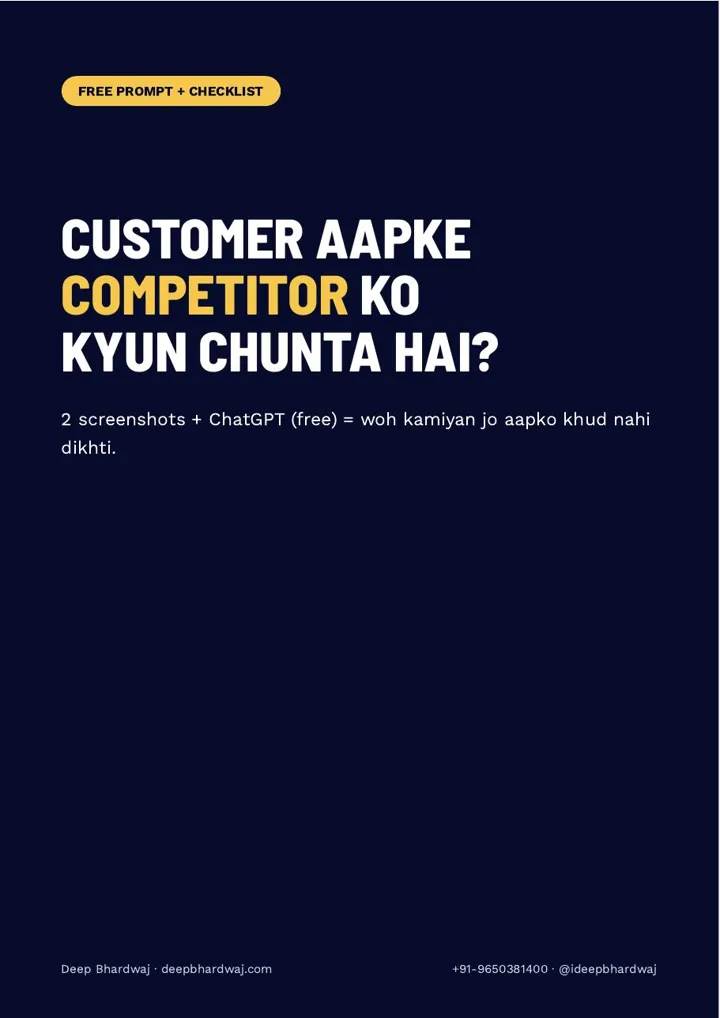

Two businesses, the same area, the same service. A customer opens Google Maps, looks at both listings for a few seconds and calls the other one. You rarely find out why. The quickest way to see it is to compare your Google Business Profile with competitors the way a customer does: screenshots of both listings, side by side, judged by ChatGPT acting as a buyer. It is the same first step we take in Google Business Profile optimisation work for clients. This guide shows which screenshots to take, the exact prompt, how to read the answer and an eight-point checklist for this week.
Quick answer: Search your main keyword on Google Maps and take screenshots of the #1 listing and your own: the top section plus photos, latest reviews, services and the about or hours section. Upload both sets to ChatGPT with a prompt asking it, as a customer, whom it would call and why, then list your top five gaps with one fix each.
Key takeaways
- Search your main keyword on Google Maps and screenshot the #1 listing and your own.
- Capture photos, the latest 5–10 reviews, services and about or hours, not just the top section.
- Ask ChatGPT to answer as a customer: whom it would call, why, and your top 5 gaps in priority order.
- Tell it to judge only what the screenshots show, and verify every point yourself.
- Fix one gap a week: real photos, review replies, services, category, description, hours, review link, posts.
Contents
Why does a customer pick your competitor?
Usually because their listing answers the customer’s questions faster than yours. On Google Maps a buyer compares photos, the number and tone of reviews, whether the service they need is listed and whether the business is open. The listing that looks more active and complete gets the call, often before anyone opens a website.
Google itself says local results are based on relevance, distance and prominence, and that complete, accurate information helps. Its page on how to improve your local ranking on Google lists those factors. You cannot move your shop closer, but you can control how relevant and complete your listing looks next to the #1 result.
The same details now travel further. AI assistants also read listings and reviews when they suggest a business, which is why our AI search visibility service for local brands starts with a clean, complete Google listing.
The hard part is seeing your own listing with fresh eyes. You know your business too well. A side-by-side comparison judged by an outsider removes that blind spot.
Which screenshots should you take?
Search your main keyword on Google Maps, the way a customer would, for example “ac repair near me” or “ac repair” plus your area. Open the top listing and take a screenshot, then take the same screenshot of your own listing. Then go further, because the top section alone is not enough.
This is the step most people miss. For both listings, also capture:
- the Photos tab
- the latest 5–10 reviews
- the Services or Products section
- the About section, hours and attributes
These sections are where the real differences hide. If you are not sure which keyword to search, use the phrase customers say on the phone when they call you, and add your area to it.
What should you ask ChatGPT?
Upload your listing’s screenshots first and the competitor’s second, then ask ChatGPT to think like an ordinary customer looking for the service right now. It should say plainly whom it would call and why, list the top five gaps in your listing in priority order, and give one task for each gap that you can finish this week.
The full copy-paste prompt is in the guide. Its last line matters most: answer only from what the screenshots show, and do not guess. That keeps ChatGPT from inventing problems. If you want to know what else AI tools can and cannot do for your marketing, read this honest take on where ChatGPT helps with SEO and where it stops.
Main ab kisi client ki Google listing seedhe nahi kholta. Pehle do screenshot ChatGPT ko deta hoon, aur poochta hoon: customer bankar batao, kise call karoge?
— Deep Bhardwaj
What does a stronger listing usually have?
The gaps ChatGPT reports usually fall into the same handful of areas from the guide’s checklist: photos, reviews and replies, services, category, description, hours and regular posts. Use the table below to read your two sets of screenshots side by side before you even open ChatGPT.
| Area | What a weak listing shows | What to aim for (from the checklist) |
|---|---|---|
| Photos | A logo and a few old pictures | At least 10 real photos: team, work in progress, before/after |
| Reviews | No replies, or the same line on every review | A reply to every review, mentioning the name and the job |
| Services | One line, or empty | Every service listed separately with a description |
| Category | A broad or wrong primary category | The right primary category, checked against the competitor’s |
| Description | Generic text with no place or service | Your city and main service clearly stated |
| Hours | Missing or out of date | Regular and holiday hours kept current |
| Activity | No posts for months | One Google post every week |
Category is often the quiet one. Our guide to choosing the right Google Maps categories walks through it, and this breakdown of the Business Profile ranking factors that matter in 2026 explains why it carries so much weight.
How do you fix the gaps in order?
Work through ChatGPT’s list in the order it gives, one item at a time, and check each point yourself first. Treat its answer as advice, not a verdict. Most gaps are small weekly tasks, so the eight-point checklist from the guide turns into a simple routine rather than a big project.
- Add real photos of your work, team and before/after results, at least 10 in total.
- Reply to every review, using the customer’s name and the job you did.
- List each service separately with a short description.
- Check your primary category against the competitor’s.
- Write your city and main service into the business description.
- Update regular hours and holiday hours.
- Share a simple review link with happy customers.
- Publish one Google post every week.
For the review link, these tips on getting more Google reviews in India the right way help. For weekly posts, Google’s own page on creating posts on your Business Profile shows the options. Businesses that also need their website pages to match each area can learn from this guide to location pages for multi-location businesses.
What should you never copy from a competitor?
Never copy fake reviews or keyword stuffing in the business name, even if the #1 listing seems to get away with it. Both break Google’s rules and can get a listing suspended. Copy what is honest: better photos, faster replies, clearer services. That is the kind of advantage that lasts.
Google’s guidelines for representing your business on Google say your name should match how you appear in the real world. If a competitor breaks the rules, our guide on reporting fake Google reviews covers the right way to respond.
If you would rather have experts do this comparison across all your keywords, see the listing and ranking wins we have delivered for clients, compare our SEO plans with monthly listing upkeep, or start with a free listing and competitor check.
Run the comparison this week
Take the screenshots, paste the prompt and fix the first gap before the week ends. When you compare your Google Business Profile with competitors every month, you stop guessing why calls go elsewhere. ChatGPT’s answer is a suggestion and results differ for every business, but the checklist keeps you moving in the right direction.
Services that help with this
- Local SEO: Google Business Profile management that closes the gaps between you and the #1 listing.
- SEO packages: Monthly plans that keep photos, reviews, posts and services up to date.
- Free SEO audit: See how your listing and website compare with the competitors around you.
TL;DR
- Screenshot the #1 listing and your own: top section, photos, reviews, services, about.
- Ask ChatGPT, as a customer, whom it would call and your top 5 gaps.
- Fix one gap a week with the 8-point checklist and verify every AI suggestion.
- Never copy fake reviews or keyword stuffing; they can get a listing suspended.
Frequently asked questions
Why is my competitor ranking higher on Google Maps?
Google ranks local results on relevance, distance and prominence. A competitor may be closer to the searcher, have more and better reviews, a better-matched primary category or a more complete listing with photos, services and posts. Distance you cannot change, but relevance and prominence you can improve. A side-by-side comparison of both listings shows which of those gaps is costing you calls.
Can ChatGPT analyse my Google Business Profile?
It can review screenshots of your listing and give a customer’s-eye opinion on photos, reviews, services and description. It cannot see Google’s ranking data or your Insights, so treat its answer as a second opinion. Ask it to judge only what the screenshots show, and check every suggestion against Google’s own guidelines before you change anything on your listing.
How often should I compare my listing with competitors?
Once a month is a good rhythm for most local businesses. Take fresh screenshots of the #1 listing and your own, run the same prompt and compare the answer with last month’s. In between, work through the weekly checklist: new photos, review replies, one Google post a week and updated hours, especially before holidays.
Should I copy my competitor’s business category?
Check it, do not copy it blindly. If the #1 listing uses a primary category that describes your main service more precisely than yours, it may be worth switching. But the category must describe your actual business. Choosing one that does not fit can confuse customers and goes against Google’s guidelines, so pick the closest honest match for what you mainly do.
How many photos should a Google Business Profile have?
The guide’s checklist suggests at least 10 real photos to start: your team, work in progress and before/after results. Real photos of your own work help customers trust the listing more than stock images. After that, keep adding fresh photos regularly, so your listing never looks less active than the competitor ranking above you.