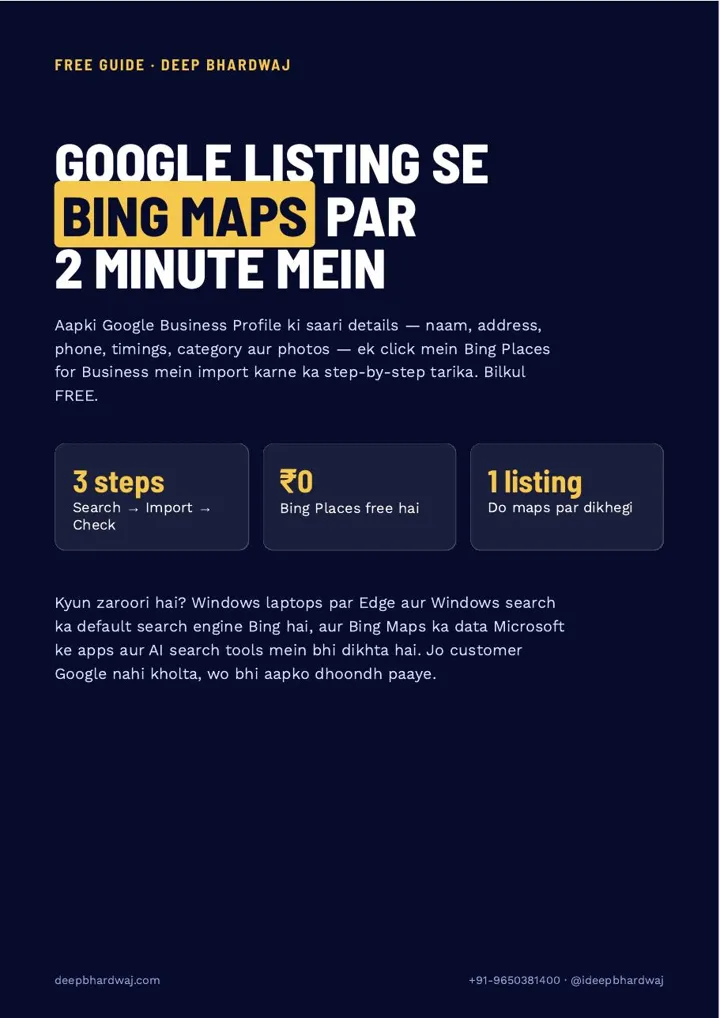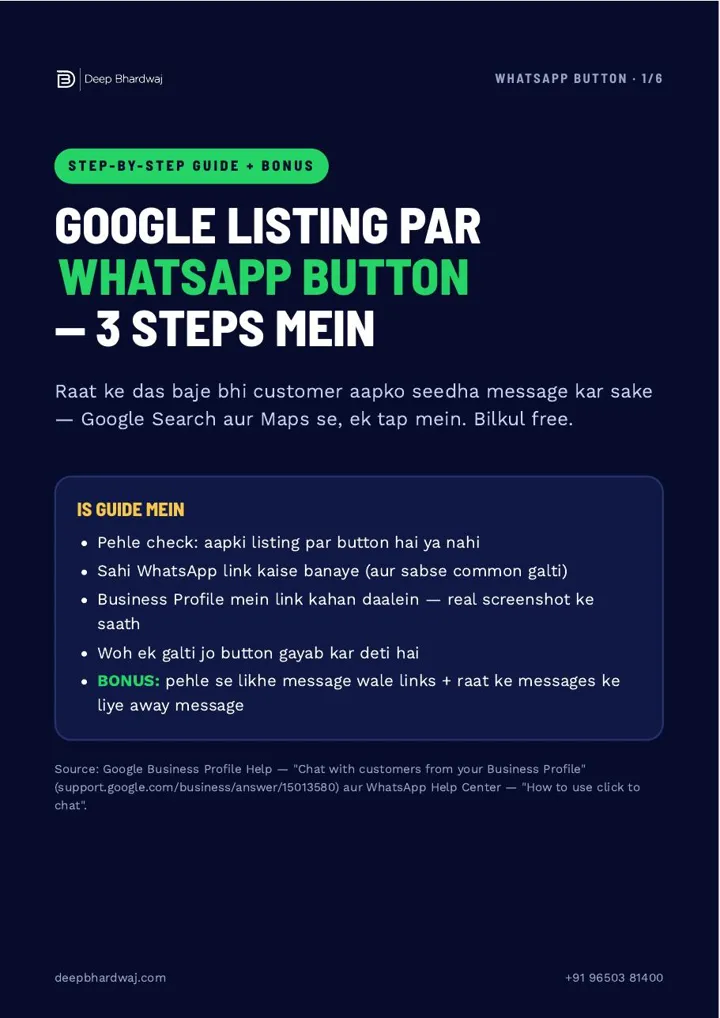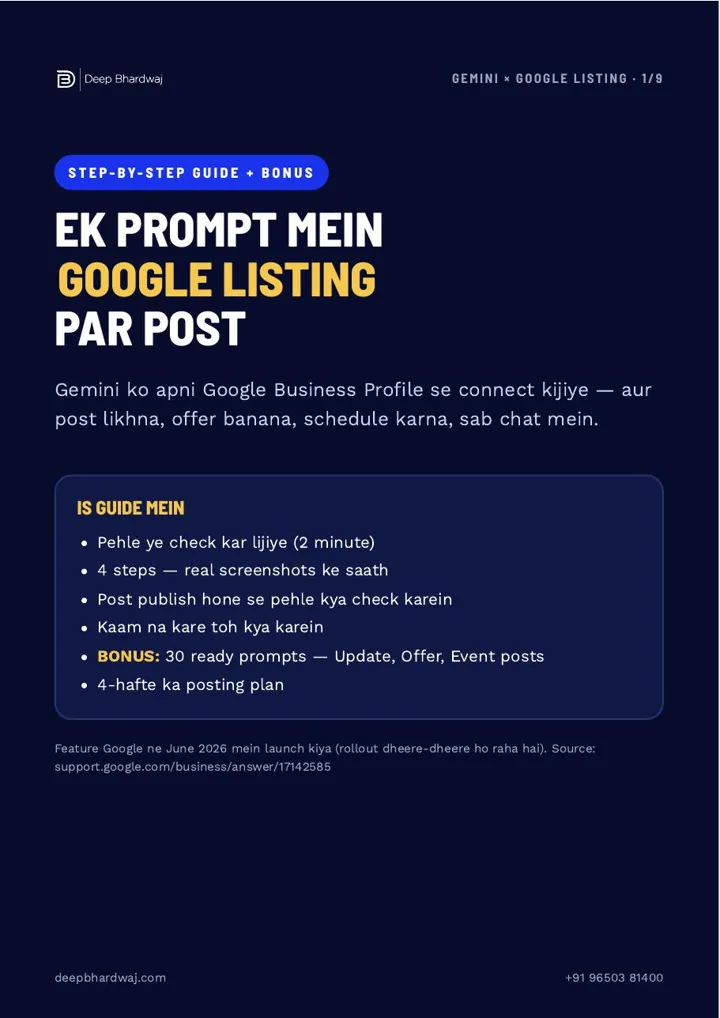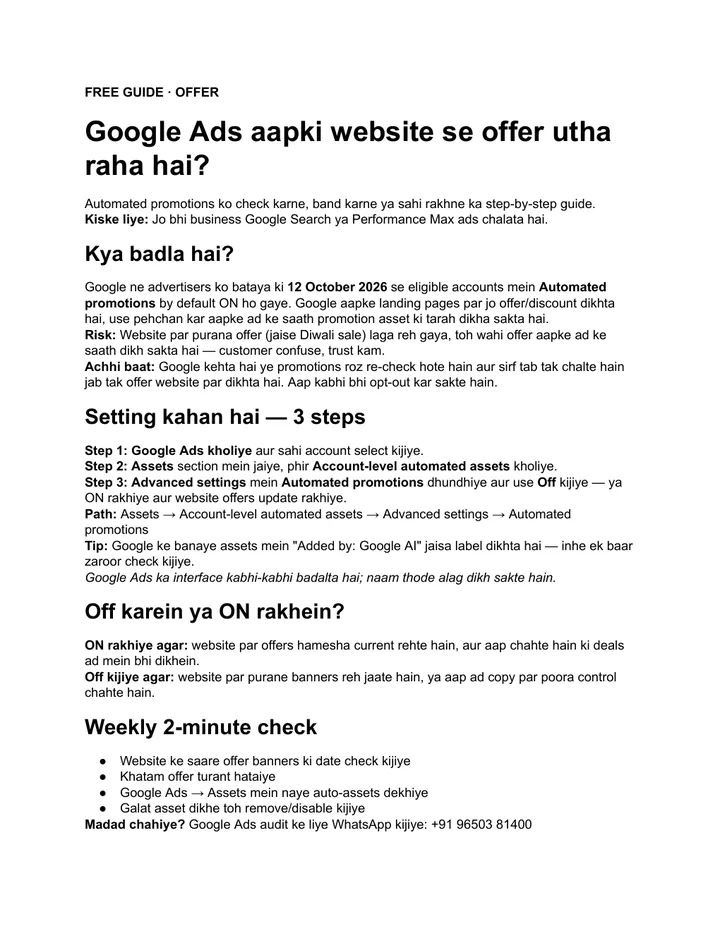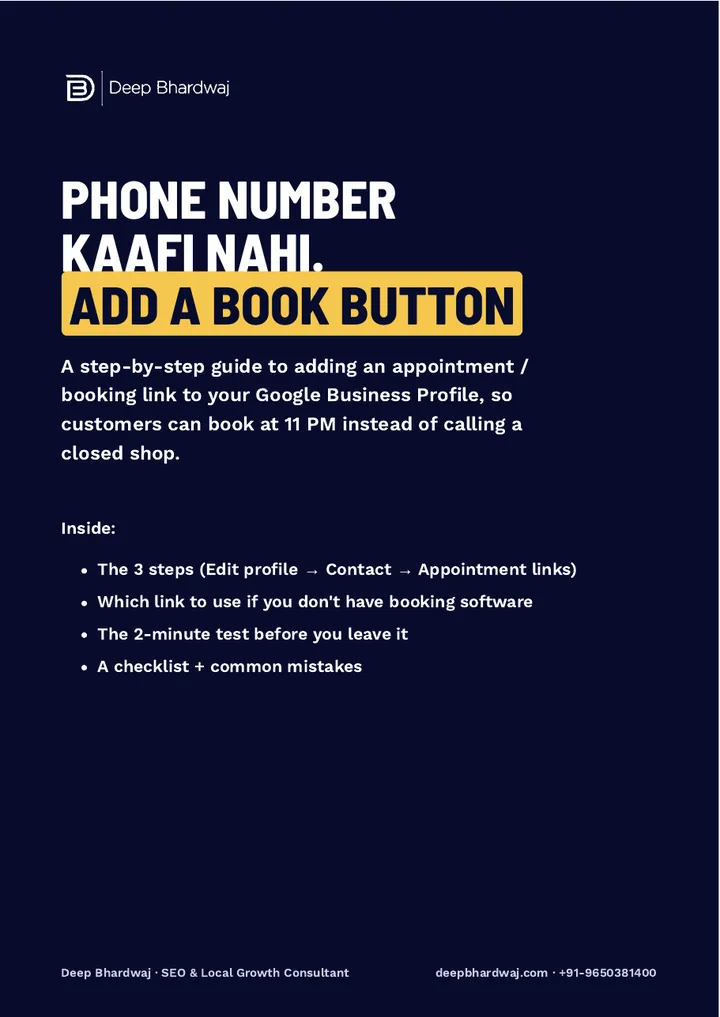

A customer finds your business on Google at 11 pm. Your phone is off, so they look for a way to book without calling. If your listing has only a phone number, the next listing with a Book button gets that appointment. The fix is free: add a booking link to Google Business Profile under Appointment links, so customers can book or enquire in one tap. It is a standard part of the local SEO work we do on Google listings. Below are the three steps, which link to use if you have no booking software, a two-minute phone test, and the mistakes that turn a button into a dead end.
Quick answer: Search your business name on Google while signed in with the managing Gmail and tap Edit profile. Open Contact, then Appointment links, paste one link and save. Use a booking page, a wa.me WhatsApp link or a contact page with a form, never your home page, and test the button on your phone.
Key takeaways
- The path is Edit profile → Contact → Appointment links (sometimes called Bookings).
- No booking software? Use a booking page, a wa.me/91 WhatsApp link or a contact form page.
- Never link your home page; the customer has to hunt for the form and leaves.
- Test the button on your own phone, on mobile data, and fix any 404 or login screen.
- The option shows only for some categories, so check your primary category is right.
Contents
Why does a booking button matter on your Google listing?
Many customers search late at night, when your phone is off and nobody answers. A phone number alone asks them to wait until morning. A booking button lets them book or enquire in one tap, right then. In the same area, with the same rating, the listing that makes booking easy is the one that gets the appointment.
Your listing is often where the decision happens, before anyone visits your website. Google says that complete and accurate information on your profile helps it match your business to the right searches. A working appointment link is part of a complete profile, and it turns a view into an action.
Aaj ka customer call nahi karta, woh BOOK button dabata hai. (Today’s customer doesn’t call. They tap the Book button.)
— Deep Bhardwaj
How do I add an appointment link to my Google Business Profile?
Search your exact business name on Google while signed in with the Gmail that manages the listing, and tap Edit profile. Open the Contact section, find Appointment links (sometimes shown as Bookings), paste one link and save. Then test the button on your own phone before you leave it.
- Search your exact business name on Google while signed in with the Gmail that manages the listing, or open the Google Maps app and go to your profile.
- Tap Edit profile.
- Open the Contact section and find Appointment links (sometimes shown as “Bookings”).
- Paste one link and tap Save.
- Wait a few minutes, then open your listing on your own phone and tap the button.
Your phone number stays on the listing. The booking button adds a second way to reach you; it doesn’t replace calls. Customers who prefer to talk can still call, and those who don’t can book.
Which link should I use if I don’t have booking software?
You don’t need paid booking software. The guide suggests three options: a booking or enquiry page on your website, a WhatsApp click-to-chat link, or your website’s contact page with a form. Pick the one that lets a customer book or ask in the fewest taps, and never use your home page.
| Link option | Example | Best when |
|---|---|---|
| Booking or enquiry page | yourwebsite.com/book | You want date, time and details in one form |
| WhatsApp click-to-chat | https://wa.me/91XXXXXXXXXX | You reply to customers on WhatsApp through the day |
| Contact page with a form | yourwebsite.com/contact | You have no booking page yet but do have a working form |
| Home page (avoid) | yourwebsite.com | Never: the customer has to hunt for the form and leaves |
For WhatsApp, write the number with the country code and no + or spaces, so it starts with https://wa.me/91. Our guide on putting a WhatsApp chat button on your Google listing covers the link format in detail.
If your website has no proper booking or enquiry page, that is worth fixing first, because every button you add will point there. A booking page built to load fast and convert on mobile is a small project with a long life.
How do I test the booking button before I leave it?
Save, wait a few minutes, then open your listing on your own phone using mobile data, not office Wi-Fi. Tap the button like a customer would. It must open the right page in one tap. If it opens a 404 error, your home page or a login screen, fix the link straight away.
Test on a phone because most people using Maps are on phones. The page should load quickly and show clearly how to book: a date and time, a form, or a WhatsApp chat. Slow pages lose people even after they tap, which is why our guide to what to fix first for website speed on Indian mobile networks is worth a read alongside this one.
Why can’t I see “Appointment links” in my profile?
Google shows the Appointment links option only for some business categories, such as salons, clinics, consultants, restaurants and service businesses. If you can’t see it, check that your primary category is correct. Never pick a wrong category just to get the button; a wrong category hurts far more than a missing button.
Google’s guidelines for representing your business ask you to choose categories that describe your core business. To get this right, follow our guide on choosing the right primary category on Google Maps. Clinics and hospitals are among the businesses that can usually add the button, and our search and booking growth work for clinics and hospitals starts with exactly this setup.
What mistakes stop the button from bringing bookings?
Most booking buttons fail for four reasons: they link to the home page, the WhatsApp link has no country code, nobody tests them on a mobile, or the link breaks after a website redesign. A dead button is worse than no button, because it sends a ready customer to an error page.
- Linking the home page: the customer has to hunt for the booking form and leaves.
- WhatsApp link without country code: use https://wa.me/91 followed by the number.
- Never testing on mobile: most Maps users are on phones, so test there.
- Broken link after a redesign: re-check the link every month, because websites change.
Once bookings start coming in, reviews from those customers help the next person decide. Our guide on getting more Google reviews without breaking the rules shows how to ask at the right moment. For the bigger picture, see how local businesses keep winning the map pack as AI answers grow.
A booking button works best on a listing that already ranks. If you want help with the whole profile, from categories to reviews, our digital marketing team for growing Indian brands can take it on, and you can see the ranking and enquiry gains our clients have seen.
Add your booking link today
A phone number is not enough when customers search at night. Add a booking link to Google Business Profile under Edit profile, Contact, Appointment links, point it at a page that books in one tap, and test it on your phone. Want a second pair of eyes on your listing? Get a free audit of your listing’s buttons and links.
Services that help with this
- Local SEO services: Complete Google Business Profile setup and upkeep, from categories and contact options to reviews.
- Website design: A fast booking or enquiry page your listing button can point to, built for mobile visitors.
- Free SEO audit: A free check of your listing’s buttons, links and website pages that shows where enquiries are lost.
TL;DR
- Customers who won’t call at night will book in one tap if your listing lets them.
- Add the link under Edit profile → Contact → Appointment links and keep your phone number.
- Point it at a booking page, a wa.me/91 WhatsApp link or a contact form, never the home page.
- Test on your phone after saving, and re-check the link every month.
Frequently asked questions
Do I need paid booking software to add a Book button?
No. You can paste any link that lets a customer book or enquire in one tap. A simple enquiry page on your website, a WhatsApp click-to-chat link in the format wa.me/91 plus your number, or a contact page with a working form all work. What matters is that the page opens fast on mobile and shows clearly how to book.
Will the booking button replace my phone number?
No. The appointment link is added alongside your phone number, not instead of it. Customers who like to call can still call, and those who prefer not to can tap the button. Keep both on your listing, make sure the phone is answered during working hours, and check that the booking page tells customers when to expect a reply.
Does a booking link help my Google Maps ranking?
Google hasn’t said that an appointment link improves ranking by itself. Its value is in conversions: more of the people who already see your listing can act on it straight away. Ranking still depends on relevance, distance and prominence, which come from your categories, reviews, photos and website, so treat the button as a way to convert more of your existing views.
Can I add more than one appointment link?
The guide recommends pasting one link and making it the best one, because a single clear button is easier for customers than several choices. If you take bookings through both a website form and WhatsApp, pick the one your team responds to fastest, and mention the other option on that page.
How often should I check the booking link?
Check it once a month and after any change to your website. Pages move during redesigns, and a link that worked last month can start showing an error. Open your listing on your phone, tap the button and confirm the booking page still loads in one tap. A dead button is worse than no button.