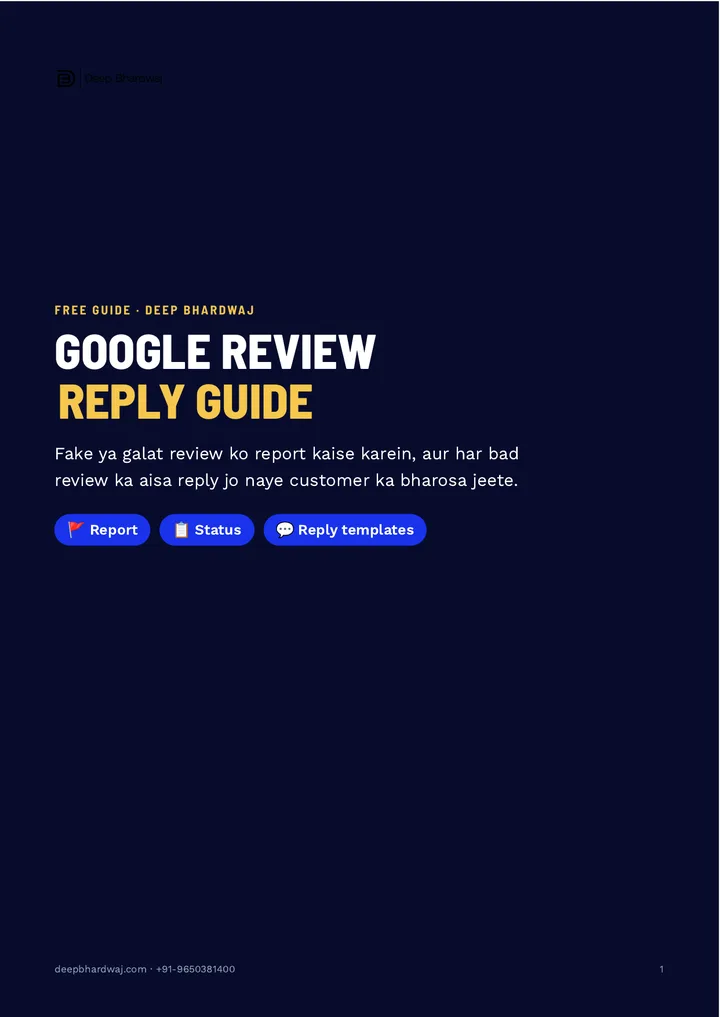

You open your Google listing and find a one-star review from someone who never visited, or a rant that has nothing to do with your business. It hurts, and it sits right where new customers look first. This page shows how to report fake Google reviews the right way, which reason to choose, and how to reply so new customers still trust you. Handling reviews well is a core part of local SEO and review management, and it takes minutes, not money. It follows the three steps from the guide: report, check the status, and reply calmly with a ready template.
Quick answer: Search your business name on Google, open Reviews, tap the three dots next to the review and choose Report review. Pick the reason that fits, such as spam, off topic or conflict of interest, then track it in Google’s Reviews management tool. Removal is not guaranteed, so also post a calm, professional reply.
Key takeaways
- Report only reviews that break Google’s policy; an honest bad experience is not a violation.
- Choose the reason that fits: off topic, spam, conflict of interest or profanity and harassment.
- Track your report in Google’s Reviews management tool and keep a screenshot.
- Reply within 24 to 48 hours: sorry, take it offline, give a number to call.
- Never argue or call a customer a liar in public, and thank good reviewers too.
Contents
Why does one fake Google review hurt a local business so much?
Because new customers read your reviews before they call, and one angry one-star review sits right at the top. A fake or unfair review can pull down a rating you built over years, and it makes a stranger doubt you in seconds. You cannot stop people from posting, but you can report the review correctly and answer it calmly.
Reviews are part of how Google judges a listing too. Google’s own tips to improve your local ranking name prominence, which includes your review count and score. That is why reviews sit next to photos, categories and posts among the signals that shape how your Google Business Profile ranks in 2026.
The guide keeps it to three steps: report the review, pick the right reason and track the status, then post a calm, professional reply. The reply is the step most owners skip, and it is the one every future customer reads.
How do I report a fake Google review?
Search your business name on Google, open Reviews, find the review, tap the three-dot menu next to it and choose Report review. Do this only for reviews that break Google’s policy, such as fake, spam, off-topic, conflict-of-interest or abusive reviews. Take a screenshot before you report, so you have a record.
Here is the exact path from the guide:
- Search Google for your business name.
- Open the Reviews tab on your listing.
- Find the review and tap the ⋮ (three dots) next to it.
- Choose Report review and pick the reason that matches.
- Save a screenshot of the review and the date you reported it.
One rule matters more than the steps. A genuine customer who simply had a bad experience is not breaking any policy, even if the review hurts. Google lists what is not allowed in its policy on prohibited and restricted content for Maps, and fake engagement, off-topic posts and harassment are on it; an honest complaint is not.
Which reason should I choose when reporting a review?
Pick the reason that matches what is actually wrong with the review. Off topic if it is not about your business, spam for fake accounts, ads, links or copy-paste text, conflict of interest if a competitor or ex-employee wrote it, and profanity or harassment for abuse. The right reason gives the report its best chance.
| Reason | When to choose it |
|---|---|
| Off topic | The review is not about your business at all |
| Spam | Fake account, ads, links or copy-paste text |
| Conflict of interest | A competitor or an ex-employee wrote it |
| Profanity / harassment | Abuse, threats or a personal attack |
| None of these | A real customer’s honest bad experience: reply, don’t report |
Clinics, salons and restaurants get the most of these, because one visit can produce strong feelings. If you run a clinic, our search and reputation work for clinics and hospitals treats reviews as part of the whole patient journey, not a one-off fight.
How do I check whether Google removed the review?
After reporting, open Google’s Reviews management tool and check the status of your report there. It shows whether the report is still under review or has been decided. Keep checking for a few days, and keep your screenshot. Removal is never guaranteed, so plan your reply as if the review will stay.
Google explains how owners read, reply to and report reviews on its help page on managing customer reviews. Whatever the status says, do not wait for the outcome before replying, because customers are reading the review today.
How should I reply to a bad Google review?
Reply calmly and professionally within 24 to 48 hours: say sorry for the experience, offer to sort it out offline, and give a number to call. Never argue, never get angry and never call the customer a liar in public. New customers read your reply more closely than the review itself.
Naya customer review se zyada aapka reply padhta hai. (A new customer reads your reply more closely than the review itself.)
— Deep Bhardwaj
The guide gives two ready templates. For a real customer: “Namaste [name] ji, we’re sorry your experience was not good. We want to put it right — please call us on [number]. — [your name], [business].” For a review that looks fake: “Namaste, we couldn’t find a record of your visit. If you have been our customer, please call us on [number] and we will be glad to help.”
The second template is polite on purpose. It tells every reader you checked your records, without accusing anyone. And thank the people who leave good reviews too; a short thank-you shows the listing is looked after.
What mistakes make a bad review worse?
The biggest mistake is replying in anger. A heated public reply turns one bad review into a story that every visitor reads. The next is reporting honest reviews just because they sting, which wastes time. The third is going silent for weeks, which looks like you do not care.
The better long-term fix is volume. A steady flow of genuine reviews makes any single bad one matter less, and our guide on earning more genuine Google reviews in India within the rules shows how to ask without breaking policy. What customers write also matters, as our page on the search words customers leave in their reviews explains.
Reviews now travel further than the review tab, too. Map packs and AI answers lean on what customers say about you, which is why reviews and replies weigh more in the map pack after AI Overviews. If you want reviews, listing and website handled together, our digital marketing support for growing Indian businesses covers all three, and you can look at listing and ranking wins from our client work first.
What is the right way to handle fake Google reviews?
Report only what breaks the rules, choose the reason that fits, track the status, and reply calmly to every bad review within two days. That is how you report fake Google reviews without hurting your own image. Not sure how your listing and reviews look to a new customer? Ask for a free review of your Google listing and its reviews.
Services that help with this
- Local SEO: Reviews, replies, photos and listing details managed so your Google profile earns trust and calls.
- SEO for healthcare: Search and review work for clinics and hospitals, where one bad review can cost many patients.
- Digital marketing: Listing, website, ads and reputation run together so customers see the same strong brand everywhere.
TL;DR
- Report only reviews that break Google’s rules, from the ⋮ menu next to the review.
- Pick the right reason and track the report in Google’s Reviews management tool.
- Removal is not guaranteed, so reply calmly within 24 to 48 hours.
- Use a polite template, take the issue offline, and thank good reviewers too.
Frequently asked questions
How long does Google take to remove a reported review?
There is no fixed time. Some reports are decided within a few days, others take longer, and many reviews are not removed at all if Google finds no policy violation. Check the status in the Reviews management tool instead of reporting the same review again and again. While you wait, post your calm reply so new customers see your side straight away.
Can I pay someone to delete bad Google reviews?
No genuine service can delete a review for you; only Google decides whether a review breaks its rules. Anyone promising guaranteed removal for a fee is a risk to your listing. The safe route is to report reviews that truly violate policy, reply to the rest professionally, and keep earning genuine reviews so one bad rating carries less weight.
Should I reply to a review I think is fake?
Yes, but carefully. A short, polite reply such as “we couldn’t find a record of your visit, please call us” shows other readers you checked, without accusing anyone. Report the review as well if it breaks policy. Avoid long arguments or naming the person, because every future customer will read the exchange.
Does a bad Google review hurt my Google Maps ranking?
One review rarely decides your ranking on its own. Google looks at prominence, which includes your review count and overall rating, along with relevance and distance. What hurts more is a falling average and unanswered complaints that put customers off calling. A steady flow of genuine reviews and calm replies protects both your rating and your calls.
Can a customer edit or delete their own review after I reply?
Yes. A customer can change or remove their own review at any time. That is one reason a calm reply and a phone call work so well: when you sort out the problem offline, many customers update their rating on their own. Never pressure or pay anyone to change a review, as that goes against Google’s rules.