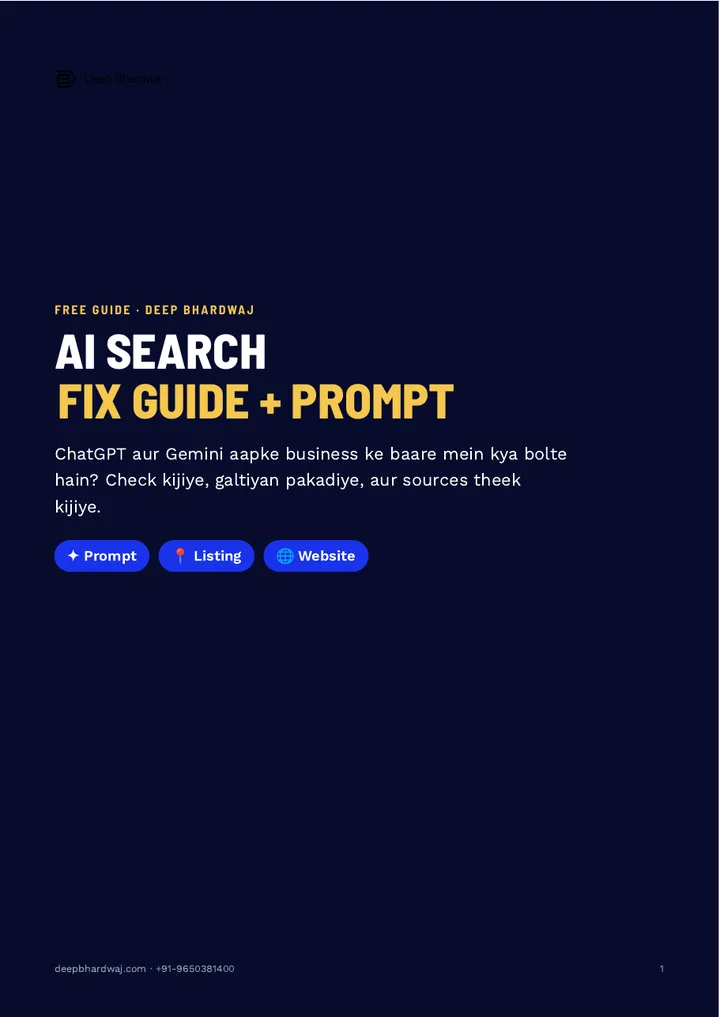

Your Google listing says you are open on Sunday, but ChatGPT tells a customer you are closed. Which one will they believe? Wrong business information in ChatGPT and Gemini is now a real way to lose customers, because people ask AI assistants about timings, addresses and services before they call or visit. The answer depends on what the AI can read about you online. Good AI SEO services start by fixing those sources. This guide gives you the ready prompt to check what AI says about your business, the Google listing fields to fix first, what your website must match, and a monthly check that keeps the answers right.
Quick answer: Ask ChatGPT and Gemini for your business address, timings, phone and services, and ask for the source of each answer. Note every mistake. Then fix those details on your Google Business Profile and make your website’s contact, about and services pages say exactly the same thing. Re-check every month.
Key takeaways
- Customers ask ChatGPT and Gemini about local businesses, and wrong answers cost you visits.
- Use one prompt to check address, daily timings, phone, services and sources.
- Fix the field the AI got wrong on your Google listing first, then complete the rest.
- Make your contact, about and services pages match the listing exactly.
- AI answers change in their own time, so re-check every month.
Contents
Why does ChatGPT give wrong information about your business?
AI assistants build their answers from what they can find about you online: your Google listing, your website, directories and other pages. When those sources are incomplete or disagree, the answer can be wrong. Old timings on one page, a different phone number on another, and the AI may pick the wrong one.
Customers now ask ChatGPT and Gemini the same everyday questions they used to type into Google: is it open on Sunday, where exactly is it, do they offer this service. A wrong answer sends that customer somewhere else, and you never find out it happened.
You cannot edit ChatGPT’s answer directly. What you can control is the information it reads. That is the whole idea behind this guide, and behind GEO and AEO, the practice of making your business easy for AI answers to get right.
How do you check what ChatGPT and Gemini say about you?
Ask them directly, with a prompt that covers the details customers care about. Paste it into ChatGPT and Gemini, change the business name and city, and ask for the source of each answer. Note every wrong detail: timings, address, phone number and services. Ask the same question in Google’s AI Mode too.
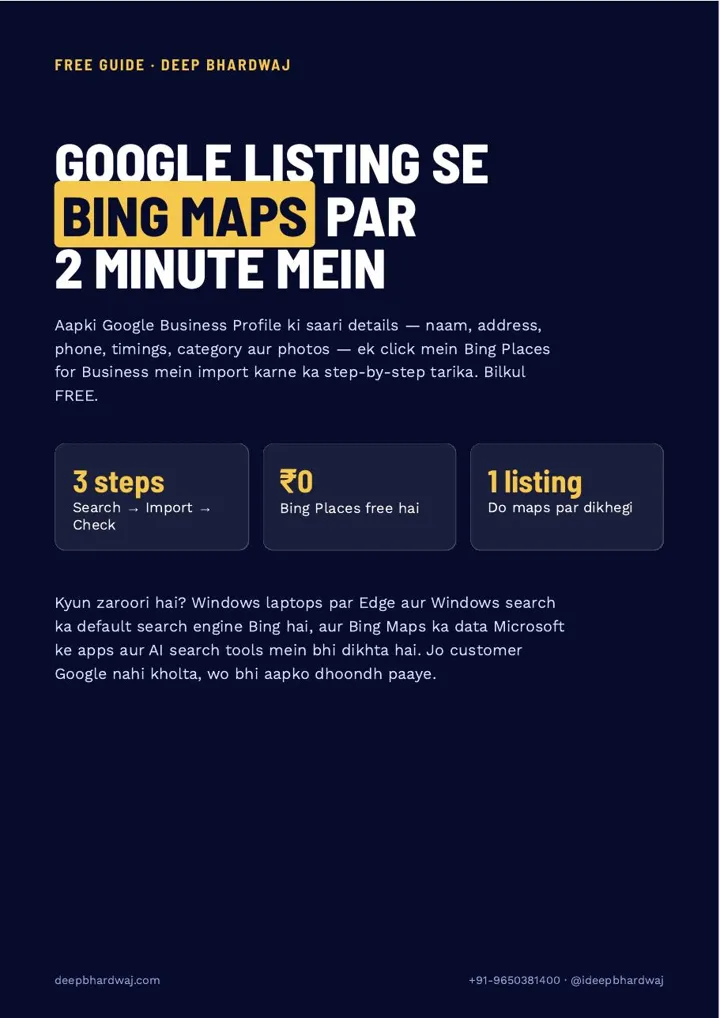
This is the prompt from the guide, in Hinglish, exactly as Deepak uses it:
“[Business name], [city] ke baare mein bataiye: poora address, khulne ka time (har din), phone number, kaunsi services dete hain, aur customers kya kehte hain. Har jawab ka source bhi bataiye.”
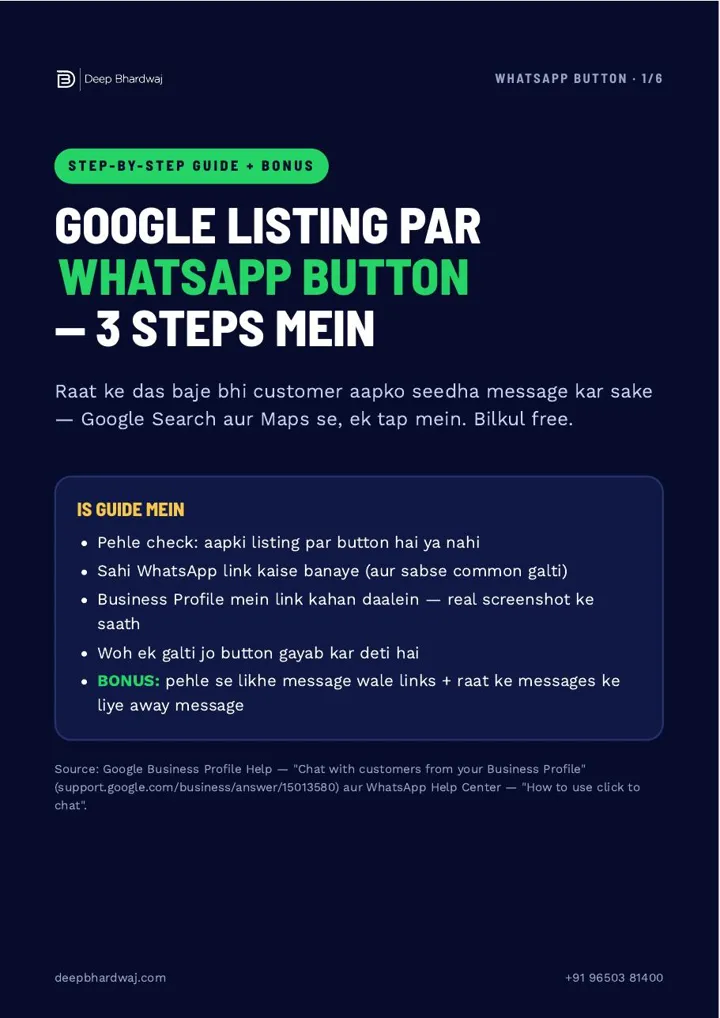
- Paste the prompt into ChatGPT, with your business name and city.
- Paste the same prompt into Gemini.
- Write down every wrong detail: hours for each day, address, phone, services.
- Look at the sources each tool names. That shows you where it is reading from.
- Repeat the question in Google AI Mode or Gemini to compare.
The sources matter most. If an answer quotes an old directory page, that page is the problem, not the AI. Our guide on tracking your brand’s visibility in ChatGPT and AI search shows how to turn this one-time check into a habit.
What should you fix on your Google listing first?
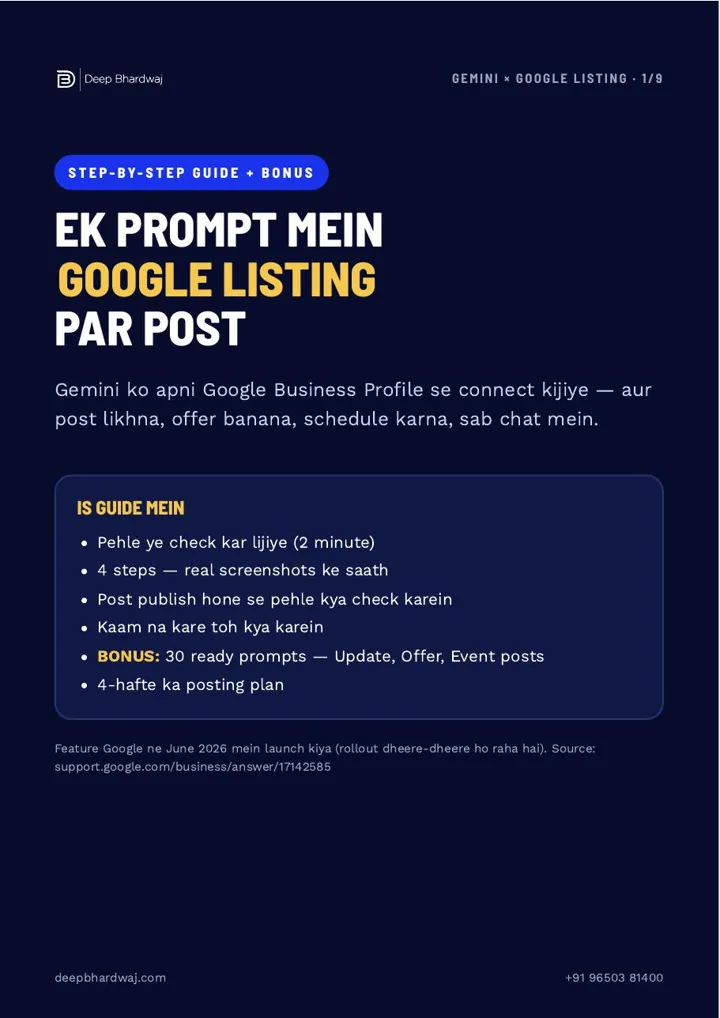
Fix the exact field the AI got wrong, then complete the rest of your Google Business Profile. Hours for every day plus special hours for festivals and holidays, the full list of services or products with clear names, the correct phone, website and address, and a description that says what you do, where and for whom.
- Hours: the right time for every day, plus special hours for festivals and holidays.
- Services or products: all of them, with clear names.
- Phone, website and address: exactly right.
- Description: what you do, where, and for whom.
Google’s own help page on improving your local ranking asks businesses to enter complete and accurate information, so this step helps your Maps visibility too. Our guide to adding services to your Google Business Profile covers the services section in detail.
Why must your website say the same thing?
Because AI reads your website alongside your listing and other pages. When every source gives the same address, phone, timing and services, the answer starts to come out right. When they disagree, the AI has to guess. Your contact, about and services pages should match your Google listing exactly.
| Detail | Inconsistent (AI may guess) | Consistent (AI can get it right) |
|---|---|---|
| Sunday timing | Listing says open, website says closed | Same timing on listing, website and directories |
| Phone number | Old number still on the contact page | One current number everywhere |
| Services | Listing and website list services under different names | Same service names on both, 2–3 lines each |
| Address | Old address on a directory page | Same address on listing, website and directories |
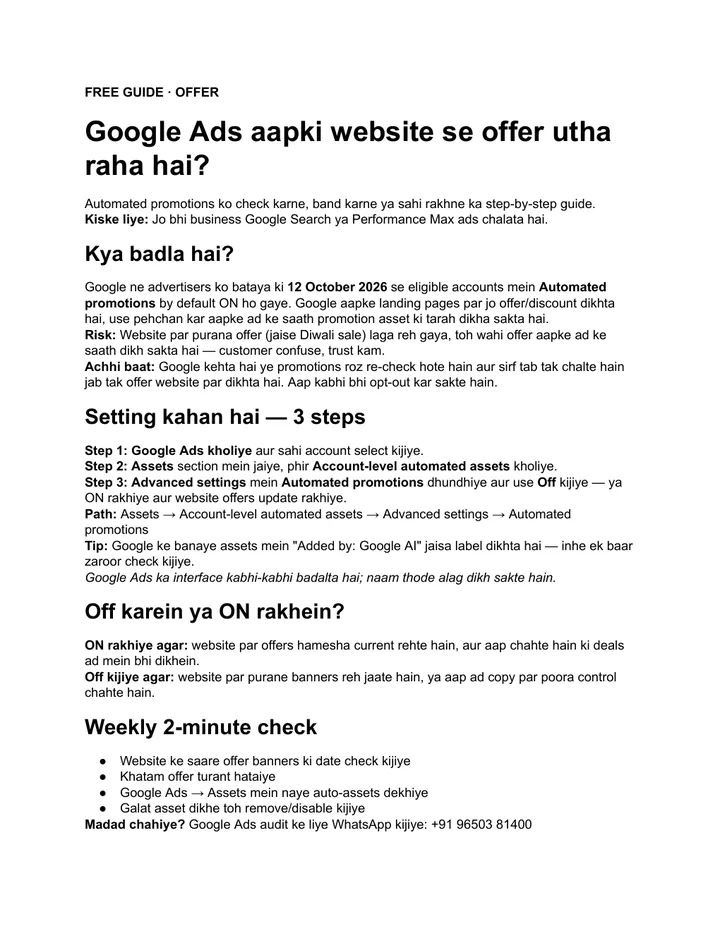
A tidy website is the easiest source to control. A website built with clear contact, about and service pages makes this a one-time fix, and local business schema on your website repeats the same details in a format machines read easily.
Do not forget the other places your details live. Directory listings on Justdial, IndiaMART and Sulekha are often the oldest copies of your information, and they are worth correcting in the same sitting.
Har jagah same info, toh AI ka jawab sahi hone lagta hai. Same details everywhere, and the AI answer starts to come out right.
— Deep Bhardwaj
Do you need special AI optimisation for this?
For basic facts like timings and address, no. Google says there are no additional requirements to appear in AI Overviews or AI Mode and that normal SEO best practices still apply. Accurate, consistent information on pages that can be crawled is the foundation.
Beyond the basics, being recommended by AI for a category, not just described correctly, takes more work: helpful content, reviews and mentions. A full SEO programme that builds content, reviews and mentions covers that side, and this step-by-step guide to ranking in ChatGPT search explains it for brands.
Keep expectations realistic. As the guide says, AI tools update in their own time, so a fix can take a while to show up in answers, and results vary.
How often should you check AI answers?
Once a month. Run the same prompt in ChatGPT and Gemini, compare the answers with last month and fix any new mistake at its source. Also check after you change timings, phone, address or services, because old details can linger online.
If you already review your Google listing every month, add this to the same routine. The same habit protects your place on the map as AI answers spread, which we explain in how small businesses still win the map pack after AI Overviews. For a business with several branches, our local SEO team can run the check across every location.
What is the first step?
Fixing wrong business information in ChatGPT starts with asking it. Run the prompt today, note the mistakes and their sources, fix your Google listing, then make your website match. If you want an expert to check your listing, website and AI answers together, ask for a free audit of your website and listing.
Services that help with this
- AI SEO services: Make your business easy for ChatGPT, Gemini and Google AI Mode to describe and recommend correctly.
- Local SEO: Keep your Google listing complete and accurate across every location.
- Website design: Contact, about and service pages that match your listing and are easy for AI to read.
TL;DR
- AI assistants answer from your listing, website and other pages about you.
- Check with one prompt in ChatGPT and Gemini and note every mistake and source.
- Fix the Google listing first, then make the website say exactly the same.
- Re-check every month; AI answers update in their own time.
Frequently asked questions
Can I ask ChatGPT or Gemini to correct my business details directly?
Not in a way that reliably changes what other people see. Telling the AI it is wrong in your own chat does not update its answers for customers. The dependable fix is to correct the sources it reads: your Google Business Profile, your website and the directories that list you. Once those agree, later answers are far more likely to be right.
Which sources do AI assistants use for local business information?
It varies by tool and by question, which is why the prompt in this guide asks for the source of each answer. Commonly cited sources include business listings, the business’s own website, directories and review sites. Whatever sources show up for your business, those are the pages to correct first, starting with the ones that have outdated timings, addresses or phone numbers.
How long does it take for AI answers to update after I fix my listing?
There is no fixed timeline. AI tools refresh their information in their own way and at their own pace, so some answers change quickly and others take longer. Fix the sources, keep them consistent and re-run the same prompt every month. If one wrong detail keeps coming back, look for an old page that still shows it.
Does this matter if my customers mostly use Google, not ChatGPT?
Yes. Google’s own AI Overviews and AI Mode also build answers from what they find online, and the same fixes help your Google Business Profile show correct information. Complete, consistent details improve the classic listing, the AI answers and the experience of customers who call or walk in. It is one set of fixes that helps everywhere.
Should a business with several branches do this for each location?
Yes. Each branch has its own address, phone number and timings, so each one can be described wrongly on its own. Run the prompt for every branch with its city name, fix each listing, and give each branch a clear location page on your website with matching details. A simple sheet that tracks each branch month by month keeps it manageable.