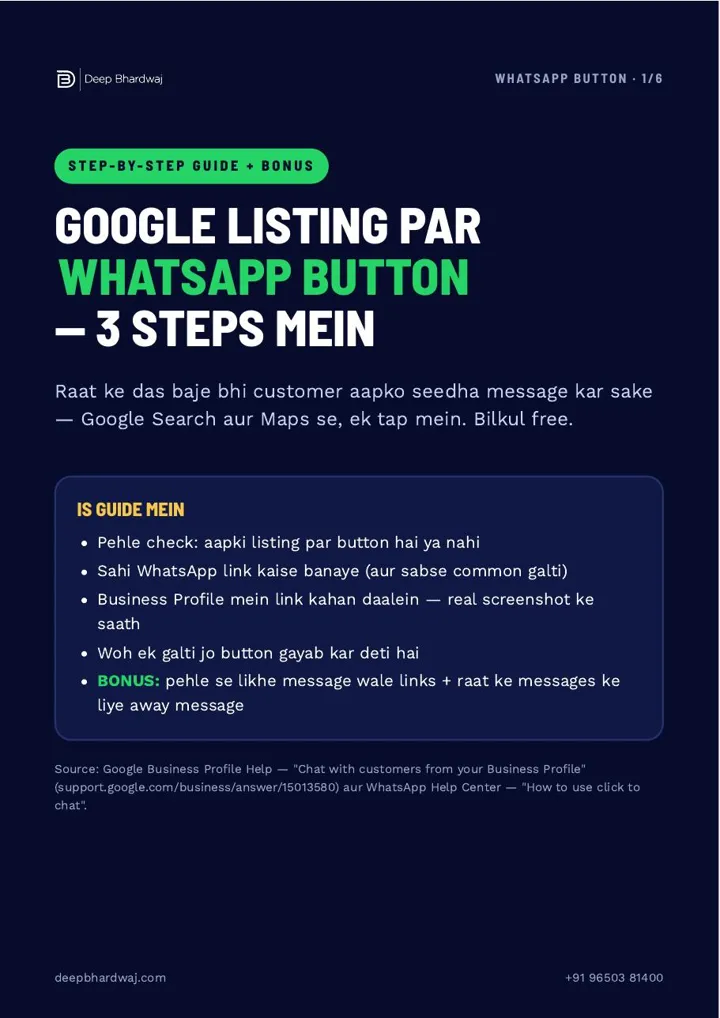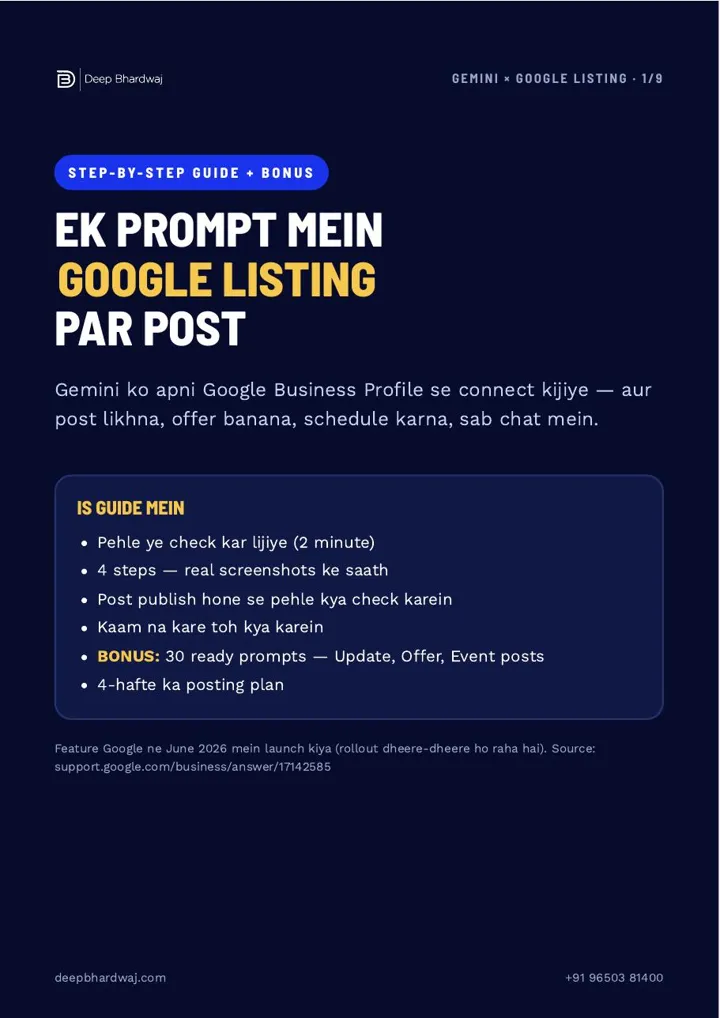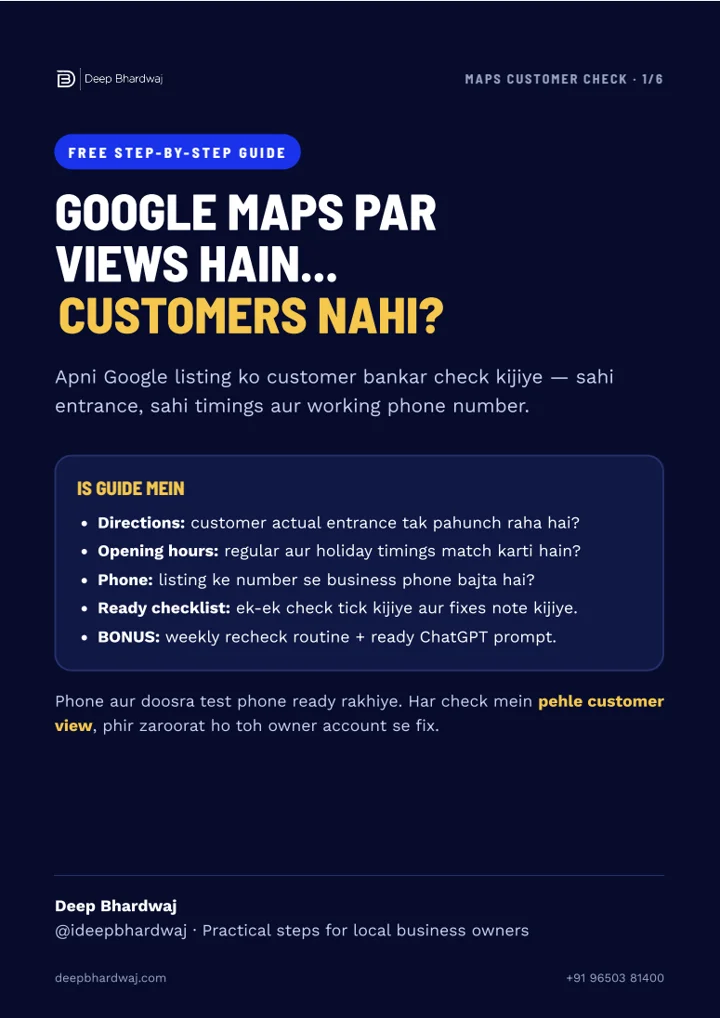

You pay for visitors, but the enquiry form stays quiet. Microsoft Clarity setup gives you a practical starting point before increasing spend; our Google Ads management services pair traffic decisions with checks of the page people actually reach. Clarity shows clicks, scrolling and session replays, so you can investigate a confusing step instead of guessing. This guide explains installation, recordings, dead clicks and scroll maps using real captures from our own website. You will also learn what those signals cannot prove. Start with one important page, keep mobile and desktop observations separate, and manually test the enquiry action before deciding what needs to change.
Quick answer: Set up Microsoft Clarity by creating a project and installing its tracking code through your website platform, Google Tag Manager or the page head. Then inspect recordings, verify dead clicks manually and check the scroll map. Use those observations to choose one website improvement and measure actual enquiries separately.
Key takeaways
- Install the code from your own Clarity project; avoid duplicate tracking.
- Choose a relevant page, date range and device before reviewing recordings.
- A dead-click flag is a reason to investigate, not proof of a broken button.
- Scroll maps show section reach; they do not automatically measure enquiries.
- Change one verified obstacle and recheck the actual customer action.
Contents
What should you check before increasing your ad budget?
Check whether a visitor can understand the offer, find the enquiry action and complete it on a phone. Clarity helps you observe the journey, while your own manual test confirms whether a button, form or link works. A quiet enquiry inbox alone does not identify the cause.
Start with a page receiving useful traffic. Note its main action: submitting a form, opening WhatsApp, calling or requesting a quote. Test the action yourself before reviewing analytics. If you need help changing the page, our website design and improvement services connect layout decisions with a clear customer journey.
Separate discovery from behaviour. Our article on how local businesses earn visibility after AI Overviews covers the discovery stage. This page focuses on the experience after someone arrives.
How do you install the Clarity tracking code?
Create a Clarity project for your website, open Settings and choose Setup. Select a supported platform integration or Get tracking code under manual installation. Install your project’s code in the website head, publish the change and verify that the expected pages begin sending data to the project.
- Sign in at clarity.microsoft.com and add your website project.
- Check whether Clarity is already installed through a plugin or tag manager.
- Choose one installation method and use your own project code.
- Publish, open the website and check the correct date range and page filters.
- If data does not appear, review installation and consent configuration.
Microsoft explains these options in its Clarity setup instructions. The setup screen says initial data can take up to two hours. Do not install a second copy simply because the dashboard is initially quiet.
Use the attached screenshot guide for orientation, not as code to copy. Every business should install its own project snippet. Existing sites with several plugins should ask their developer which system currently controls the tracking tags.
How do recordings help you find a confusing step?
Open Recordings, choose a relevant page and device, and review what happens around the main enquiry action. Look for repeated clicks, pauses and scrolling that could indicate confusion. A replay gives context for an investigation; it cannot tell you everything the visitor intended or why they left.
Microsoft’s session recordings overview describes the website interactions Clarity reconstructs. These are website session replays, not camera videos of the visitor. Keep sensitive fields masked and avoid sharing visitor identifiers or private page details.
Review several relevant sessions before changing a working page. One visitor clicking a decorative image may suggest unclear styling; it does not establish a general usability problem. Record the page, device, approximate moment and expected action so someone else can reproduce the issue.
For ecommerce pages, connect these observations with the practical page structure checks in our Shopify SEO guide for Indian D2C brands.
Does a dead click mean your enquiry button is broken?
A dead click means Clarity detected a click without an apparent response. It is an investigation signal. The visitor may have clicked non-interactive text, a decorative image or an element that looks clickable. Verify the actual element and test its expected action yourself before calling it broken.
Our captured example shows two flagged sessions out of ten for one selected page over three days. That small, filtered sample is a real demonstration, not an industry benchmark. The Reel does not claim that those clicks represent lost sales or a measured loss of advertising spend.
Open a matching replay, identify the element and repeat the action on the live page. If a genuine button fails, note the device and error before asking for a fix. Our SEO services for business websites can include broader technical investigation when the issue extends beyond one page.
“Dead clicks occur when a user clicked somewhere on the page, but no response was detected.”
Microsoft Clarity FAQ, dead clicks
For a contact form, test more than the final click. Check required-field messages, a successful submission, the confirmation screen and delivery to the correct inbox. For WhatsApp, confirm that the intended business chat opens with the correct number. A visible animation or success toast is helpful feedback, but the receiving team should verify that the request actually arrived.
How do you check whether visitors reach the enquiry button?
Open Heatmaps, choose the exact page and device, then select Scroll. Locate the enquiry button’s position and inspect the proportion of visitors reaching that section. Compare the result with the page’s purpose and recordings before deciding whether the action needs a different position or clearer explanation.
Microsoft’s heatmaps overview explains section reach and the average fold. A warm colour indicates greater reach in that heatmap, not business success. Check mobile separately because its layout and visible content differ.
| Signal | Useful next step | Conclusion to avoid |
|---|---|---|
| Dead click | Replay and manually test the element | Every flagged click lost a sale |
| Low scroll reach | Review CTA position and page relevance | Move every button to the top |
| Working form | Verify delivery to the receiving team | All traffic must now convert |
Make one purposeful change. For example, clarify the action near an existing service explanation, then test whether a customer can complete it. Our digital marketing consulting can connect that work with actual lead reporting.
Record the selected URL, date range and device beside any screenshot. This prevents a later review from comparing a desktop heatmap with a mobile layout or mixing two different landing pages. Keep changes small enough that you can explain what was tested and why.
What should you do after completing Microsoft Clarity setup?
After Microsoft Clarity setup, keep a short record of observations, manual test results and the single change you make. Recheck the customer action and measure enquiries through your normal reporting. Repeat the review after important website edits so a working form or link does not silently stop doing its job.
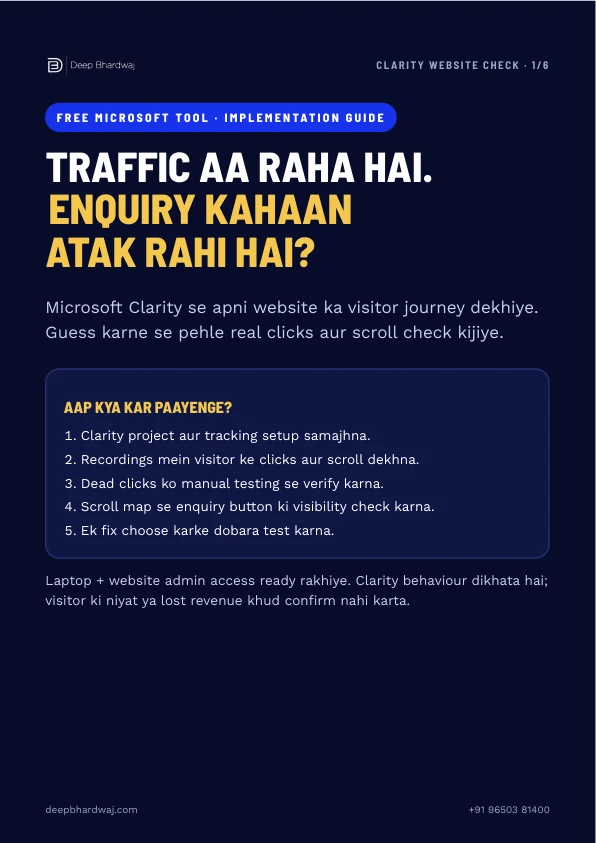
Use the six-page guide’s checklist to brief your developer. Keep the date range and device consistent when comparing observations. Our monthly Search Console routine covers a different part of the measurement picture: how people find the site in search.
If the cause remains unclear, request a free website SEO audit and share the exact page and tests already completed. Specific evidence makes the next investigation more useful than a general request for more traffic.
If the review reveals wider work, compare the scope with our SEO packages and ask which implementation and reporting tasks are included before committing to a larger programme.
Services that help with this
- Google Ads: Connect paid traffic decisions with real landing-page checks.
- Website design: Make the next customer action clearer and easier to complete.
TL;DR
- Install one correct project snippet and verify the data.
- Watch relevant recordings before deciding what to change.
- Test flagged clicks and enquiry actions on the live page.
- Use scroll reach alongside actual enquiry reporting.
Frequently asked questions
Is Microsoft Clarity free to use?
Microsoft describes Clarity as a free service. You can use it to investigate website interactions with recordings and heatmaps. Keep the business decision separate from the tool price: useful analysis still requires a clear page goal, enough relevant observations and manual testing. The accompanying guide shows how to begin with one page rather than treating every dashboard number as an immediate instruction to redesign.
Is Clarity a replacement for conversion tracking?
Use behaviour observations and conversion reporting together. Clarity can help explain what happened on a page, while your enquiry records establish whether a customer completed the action and your team received it. An open form, a button click and an accepted enquiry are different stages. Check the full journey through to the receiving inbox or CRM before reporting that the website generated a valid lead.
Why might a session replay show masked content?
Sensitive content is masked in Clarity to help protect visitor information. Keep that protection in place when analysing forms and sharing examples. A useful replay review usually needs the page structure, click location and expected action, not the visitor’s personal details. Before showing a capture publicly, check that visitor identifiers, private URLs and any entered contact information are excluded from the visible frame.
What should I do if the dashboard is still empty?
Check that you installed the snippet from the correct project and published it on the pages you want to observe. Review your date range and page filters, then check whether the consent setup or a blocked script affects data collection. The installation screen says initial data may take up to two hours. Ask your developer to verify the implementation before adding another plugin or duplicate tracking code.
How many recordings should I watch before changing a page?
There is no useful universal number for every business and page. Start with relevant sessions from the page and device you are investigating, then look for a repeatable pattern and reproduce the issue yourself. A small sample can reveal a genuine technical failure, but it cannot establish a reliable conversion uplift. Record the observation, test one change and compare actual enquiry outcomes over a suitable period.