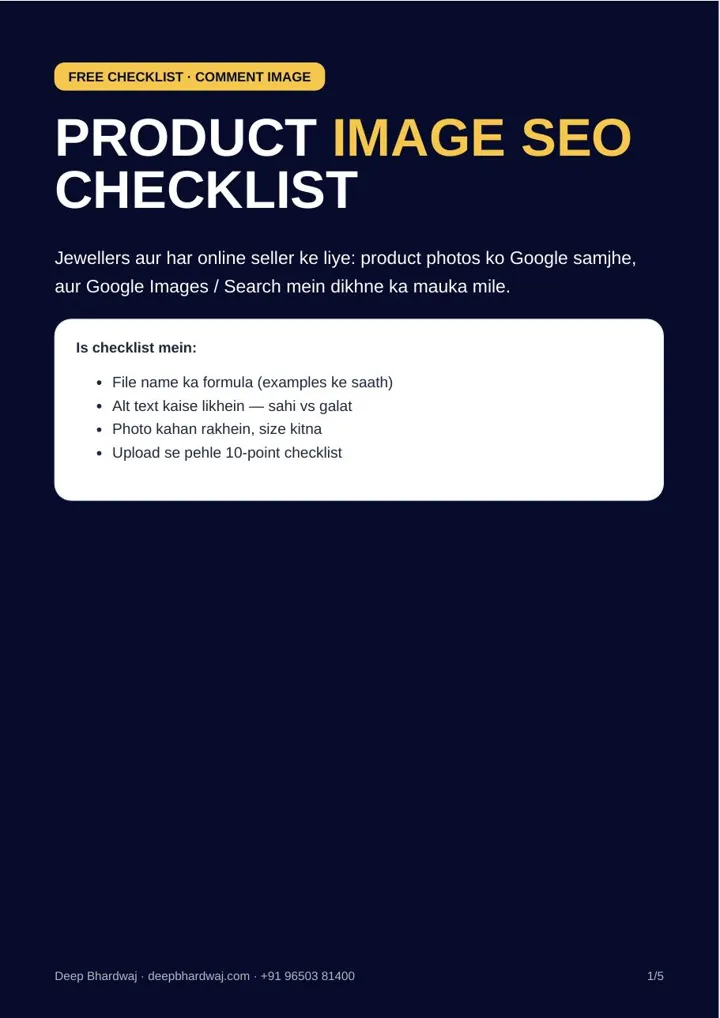

You photograph a new kundan jhumka, upload it straight from your phone, and it goes live as IMG_4521.jpg with no description. To a customer it looks beautiful; to Google it is an unnamed file. Product image SEO is the set of small habits that help Google understand what each photo shows, and it is part of every store we handle under our SEO services for online stores. This checklist covers three steps for jewellers and any online seller: a file-name formula, alt text that describes the photo honestly, and photos that sit next to the product and load quickly on a phone.
Quick answer: Product image SEO means giving every product photo a descriptive file name (product type + design or material + city or brand, joined by hyphens), alt text that says in one plain line what the photo shows, a place on the product page near the title and price, and a small file size, ideally 100–300 KB.
Key takeaways
- Rename files before upload: gold-jhumka-kundan-jaipur.jpg, not IMG_4521.jpg or WhatsApp Image.jpg.
- Separate words with hyphens, not spaces or underscores, and never stuff keywords.
- Alt text should describe exactly what is in the photo in one line of about 8–15 words.
- Keep the photo on the product page near the name, description and price.
- Most product photos look good at 100–300 KB and 1000–1500 px wide; 2–5 MB photos slow the page.
Contents
Why does Google struggle with product photos?
Google cannot look at a jhumka and know it is a gold kundan earring the way a customer can. It relies on clues: the file name, the alt text and the words around the photo. A photo called IMG_4521.jpg with no alt text gives it almost none of those clues.
Google’s image SEO best practices say it extracts information about an image from the page content, including captions and titles, and that the file name gives very light clues about the subject. So the file name helps a little, and the alt text and surrounding text help more.
For jewellers this matters because so many searches are visual. A customer looking for a design often scrolls images before reading any text, and online stores with hundreds of products feel the gap most, which is why it is a standard part of SEO for jewellery brands.
How should you name product image files?
Rename each photo on your computer before uploading it. Use the formula product type + design or material + city or brand, with hyphens between words. That turns a camera name like IMG_4521.jpg into gold-jhumka-kundan-jaipur.jpg, which describes the product in a few words.
| Wrong file name | Right file name |
|---|---|
| IMG_4521.jpg | gold-jhumka-kundan-jaipur.jpg |
| DSC0099.jpg | silver-anklet-ghungroo-design.jpg |
| WhatsApp Image 2026.jpg | diamond-solitaire-ring-18k-rose-gold.jpg |
| jewellery-best-jewellery-shop-jewellery.jpg | One honest description per photo, no repeated keywords |
Keep names short but specific. Include the details a shopper would type, such as the metal, the stone or the design style, and add your city or brand only where it fits naturally. A name that reads like a short product description is the goal.
If you have several photos of one product, give each a different ending such as -front and -side. Never repeat a keyword again and again in the name; stuffing does not help and can hurt.
What should alt text say?
Alt text is a short description that tells Google and screen readers what is in the photo. The rule is simple: write what you see, in clear words, in one line of about 8 to 15 words. Most sellers leave it empty, so even a plain, honest line puts you ahead.
Compare these. Empty alt text, or “jhumka jhumka best jhumka buy jhumka”, tells Google nothing useful. “Gold kundan jhumka earrings with red stone and pearl drops” describes the actual product. “18k rose gold solitaire ring with round diamond” does the same for a ring.
Jo photo mein dikh raha hai, wahi, saaf shabdon mein. Write what the photo shows, in plain words, and stop there.
— Deep Bhardwaj
Where to write it: in Shopify, open the product, click the image and choose Edit alt text. In WooCommerce or WordPress, use Media → Alternative Text. In Wix, open the image settings and fill in “What’s in the image?”. Shopify stores have other fixes too, covered in our list of 15 Shopify SEO fixes for Indian D2C brands.
Where should product photos sit on the page?
Put each photo on the same page as the product name, description and price. Google reads the text around a photo to understand it, so a photo next to “gold kundan jhumka, ₹…” carries more meaning than the same photo in a random gallery. The product title and the file name should say the same thing.
Do not put the product name only inside the photo as text. Google needs the name written on the page. Small brands that sell direct often build pages around big banner images with the words baked in, which is one of the first things we change in SEO for D2C brands.
Give every product at least one clear photo on a white or plain background, then add lifestyle shots after it. A clean first photo lets the product, not the background, carry the attention.
If you run a physical showroom as well as a website, the same discipline helps your Google listing photos too. Clear, well-lit product shots that match what is on your website make the whole brand look consistent, which is the kind of joined-up work we do as a digital marketing partner for retail brands.
How small should product images be?
Most product photos look good at 100 to 300 KB and 1000 to 1500 pixels wide. A 2 to 5 MB photo straight from a phone camera makes the page slow, and on mobile data a slow product page loses the customer before the photo even loads.
Free tools such as Squoosh and TinyPNG shrink photos in seconds, and saving in WebP format keeps them light. Image weight is usually the first thing to fix when we look at website speed for Indian mobile users. If your store template loads heavy images no matter what you upload, a faster store design built for mobile shoppers may be the real fix.
What should you check before every upload?
Print this list or keep it next to whoever uploads your products. When the same person names, describes and compresses every photo the same way, your catalogue stays clean as it grows.
Run the same ten checks before each new product goes live. They take a minute per product once they become habit, and they stop the most common image problems from ever reaching your website.
- File name follows the formula (no IMG_, DSC_ or WhatsApp names).
- Words are separated by hyphens.
- Alt text says what is in the photo, in one line.
- No keyword stuffing in the name or alt text.
- Photo sits on the product page, near the title.
- File size is under 300 KB.
- Width is 1000–1500 px.
- At least one clear photo on a white or plain background.
- Each photo of the same product has a different name (…-front, …-side).
- Your website’s sitemap is submitted in Search Console.
For the last point, Google explains how to build and submit a sitemap. A wider site check is in our technical SEO audit checklist for 2026, and if you want a second pair of eyes on your store, book a no-cost SEO audit of your product pages.
What is the next step?
Pick your ten best-selling products today. Rename their photos, write one honest line of alt text for each, compress them and re-upload. Product image SEO is basic work, not a ranking guarantee, but it gives every photo a fair chance to be understood and found.
Services that help with this
- Ecommerce SEO: Product and category page SEO, including image names, alt text and speed.
- SEO for jewellery brands: Search visibility for jewellers selling in-store and online.
- Website design: Store designs that load fast on mobile and keep product text on the page.
TL;DR
- Rename every product photo with product type, design or material and city or brand.
- Write one plain line of alt text describing what the photo shows.
- Keep photos on the product page, near the title, at 100–300 KB.
- Run the 10-point check before every upload; it is basic SEO, not a guarantee.
Frequently asked questions
Do I need to rename photos that are already on my website?
Start with your best-selling and newest products rather than everything at once. On most platforms, renaming means re-uploading the photo with the new name and deleting the old one, then adding alt text. For older products that rarely sell, simply adding alt text is a quicker first step. From today, make sure every new upload follows the file-name formula.
Should alt text be in Hindi or English?
Write alt text in the same language as the product page it sits on. If your product titles and descriptions are in English, keep the alt text in English. If you run Hindi pages, Hindi alt text on those pages makes sense. What matters most is that the alt text honestly describes what is in the photo and matches the text around it.
Does WebP work on Shopify and WordPress?
Yes, both platforms accept WebP images. On WordPress, you can upload WebP files directly or use an image optimisation plugin that converts photos for you. On Shopify, you can compress photos with a tool like Squoosh before uploading. Whichever route you choose, check the final file size, because a WebP photo that is still several megabytes will still slow the page down.
Will image SEO bring traffic from Google Images?
It gives your photos a better chance, but there is no guarantee. Google uses the file name, alt text and the text around a photo to understand it, so well-named, well-described photos on proper product pages are easier to show for relevant searches. Results also depend on your site’s overall quality, competition and how useful the product pages are to shoppers.
How many photos should each product have?
The checklist asks for at least one clear photo on a white or plain background for every product. After that, add the angles a customer needs to decide, such as front, side and a worn or in-use shot, each with its own file name and alt text. More photos only help if each one is light and shows something new.